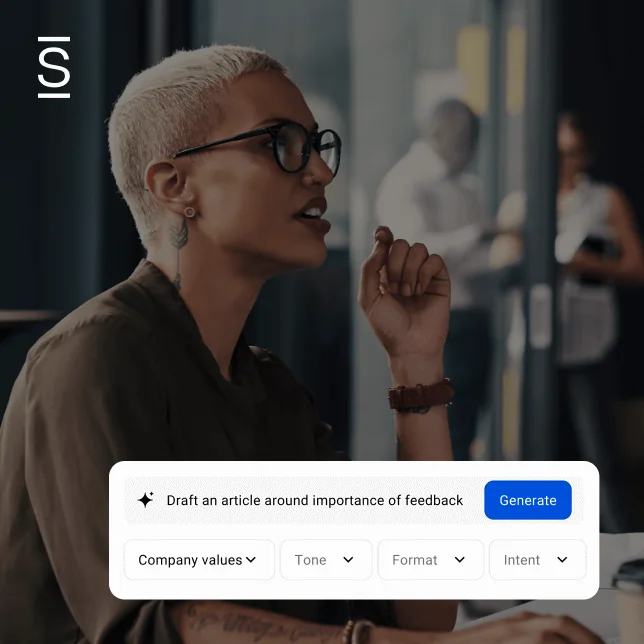




More than half of IC professionals use gen AI multiple times a week, with a considerable impact on productivity. They turn to AI to research information, take notes, and generate content. The tools are open in the background. The habit is formed. But routine use and strategic use are different things.
15 unique gen AI use cases for internal comms
15 unique gen AI use cases for internal comms
The IC professionals pulling the most value from gen AI are doing more than gaining efficiency on common tasks. They’re also doing work that wasn’t previously possible in a normal week: synthesizing months of messaging, simulating how a restructuring announcement will land, and building institutional memory that survives turnover. These applications are practical, repeatable, and readily available.
52% of IC practitioners use AI weekly, 53% report a very high or significant impact on their efficiency, and 72% agree that AI is or will become an important resource within their organization (Simpplr State of Internal Communications 2026).
These 15 unique use cases for gen AI are organized around three phases: strategic thinking, message development, and improving your skills. Some will be familiar in structure but push further than you’ve probably gone. Others may not have occurred to you yet. All of them assume you already know your way around a prompt.

Gen AI use cases for strategic planning
Gen AI is most underused at the front end of the process, before a single word of copy gets written. These five use cases give you a sharper starting point, including better context, cleaner inputs, and fewer assumptions you don’t know you might be making.
1. Map your organizational narrative
Feed AI six months of your all-hands decks, CEO emails, intranet posts, and survey results. Then ask it to track how your key themes have evolved (or contradicted each other). It’ll catch any drift you can’t see, like when leadership stopped talking about a priority in Q3 they emphasized heavily in Q1. Over time, this kind of audit reveals whether your communications are building a coherent organizational story or just filling a calendar.
2. Audit your channel strategy
Paste in your last quarter of sends, including emails, intranet posts, and Slack or Teams announcements. Ask AI to identify what’s redundant, where you’re overindexing on one channel, and where there are gaps by audience segment. It’s analyzing content and cadence here, not performance. So if you have open rates, click data, or reach metrics, feed those in too. The combination gives you a much fuller picture. You may find your channel mix reflects habit more than thoughtful strategy.
3. Build audience personas
Give AI engagement metrics, survey verbatims, role demographics, and feedback trends. Then have it draft initial persona profiles. Ask it to factor in what you know about employees’ lives outside the office: caregiving responsibilities, time zones, financial pressures, career stage. The more human context you give, the more useful the persona. Each profile captures behavioral patterns, communication preferences, and likely pain points. This will give you a sharper basis for channel decisions, message framing, and segmentation. You refine from there, but you’re starting with something grounded in actual data and real people.
4. Reverse-brief your leadership
When the C-suite gives you a vague directive, don’t wait for clarity — create it. Feed it to AI along with any context and ask for three interpretations of what leadership might mean, including scope, audience, and intended outcome. Use the output to build a strawman brief you bring back to the leader for reaction. Instead of asking “what did you mean?” you’re saying “here’s what I heard, here’s what I built. Does this land?” That shift positions you as a strategic partner driving the conversation rather than just someone fulfilling an order.
5. Build institutional memory
Use AI to capture not just what was communicated but why — the context behind decisions, the options that were rejected, or the stakeholder concerns that shaped the final message. You won’t have to start from scratch if leadership turns over or a similar situation recurs two years later. That institutional knowledge also makes onboarding faster and keeps new communicators from inadvertently contradicting positions the organization has already taken.
Gen AI use cases to sharpen messaging
Even experienced IC professionals tend to pressure-test messaging the same way every time: a gut check, a colleague read, maybe a quick edit before sending. These next use cases replace that informal loop with something more rigorous. They help you stress-test how your content will land across different audiences, power dynamics, and cultural contexts.
6. Uncover any unspoken thoughts
Paste in a change announcement and ask AI what employees are likely thinking but won’t say in a town hall. It will uncover the cynical read, the worst-case interpretation, and the “what does this mean for my job” angle. Address those proactively and they’re less likely to fester on back channels.
7. Simulate different audience reactions
Have AI roleplay as different employee segments using the personas you created — a tenured engineer, a new hire in customer support, a skeptical union member — and tell you how the message would likely land with each group. Same message, different lenses. It’s a low-cost focus group you can run before anything goes out. It’ll also help you get ahead of potential questions. The goal isn’t consensus but knowing in advance where you’ll need to do more work.
8. Pressure-test your comms plan
Upload your draft plan and ask AI to evaluate the architecture before you execute. Is the cadence realistic or are you front-loading too much in week one? Are you relying on one channel to carry messages it wasn’t designed for? Are there audience segments who may be delayed in getting the message? AI can stress-test the sequencing and structure of your plan and check whether the plan holds up on timing, sequencing, channel choices, and escalation paths.
9. Run a bias check on messaging
Before a sensitive announcement goes out, ask AI to flag language that could read differently across cultures, tenure levels, or employment types. This is especially useful for global organizations where a phrase that sounds neutral in one region lands poorly in another. It will reveal blind spots before employees point them out.
10. Create a crisis comms dialogue
Rather than drafting crisis comms in isolation, use AI to ask you targeted questions around the most likely employee reactions, any legal constraints, or how this messaging connects to what happened last quarter. The insights will reveal important components you’ll want to include in your messaging. It’s a faster way to get to a first draft that’s already accounted for the hard questions.
Gen AI use cases to improve performance
Most IC professionals get better through experience and feedback, which can be slow and uneven. These use cases create a faster feedback loop on your content, your delivery, your data, and your ability to hold ground in difficult conversations.
11. Reverse-engineer what’s working
Upload your highest-performing content alongside your lowest and ask AI to compare them. It can identify patterns in tone, length, structure, and framing that analytics dashboards won’t catch — the difference between a message that drove action and one that got clicks and nothing else. Over time, those patterns become a style guide grounded in what your specific audience is more likely to respond to.
12. Evaluate content readability
Ask AI to rewrite the same announcement at different comprehension levels, varying by education level and language proficiency. Then compare them to your original. You’ll quickly see where your plain-language version is still loaded with assumptions about what employees across a disparate workforce may understand.
13. Rehearse high-stakes delivery
Use an AI voice tool to practice presenting a restructuring announcement or fielding tough employee questions. You’ll get feedback on whether your framing sounds empathetic or corporate, whether you buried the lede, and whether your answers will hold up during Q&A. That’s a lot to experience first in a live setting. Run it as many times as you need without an audience — and without the stakes.
14. Prepare for a difficult conversation
Use AI to roleplay a tense alignment meeting before it happens — a budget negotiation, pushback on a sensitive message, or a conversation with a leader who consistently undermines the comms function. Going in having already heard the hard questions changes how you show up. It also helps you decide in advance where you’re willing to flex and where you need to hold your position.
15. Craft a narrative from disparate data
You have open rates from email, page views from the intranet, and survey comments, Slack reactions and anecdotal manager feedback. Feed it all to AI and ask it to find the throughline. It won’t replace your analysis, but it will give you a draft narrative that connects scattered data points into something leadership can act on.
The limits of gen AI for IC
Gen AI won’t replace the judgment, empathy, and organizational instincts that make internal communications work. What it can do is free up more of your week for that work. The 15 use cases above are practical entry points. They’re ways to push past the execution tasks most IC teams have already automated and into the strategic work that shapes how employees think, feel, and act.
But there’s a limit to what standalone AI tools can do. When gen AI lives outside your workflows, every session starts from scratch. It doesn’t know your org structure, your approval chain, your channel strategy, or what went out last Tuesday. You’re reconstructing context every time, which limits how useful the output can be.
How Comms AI is different
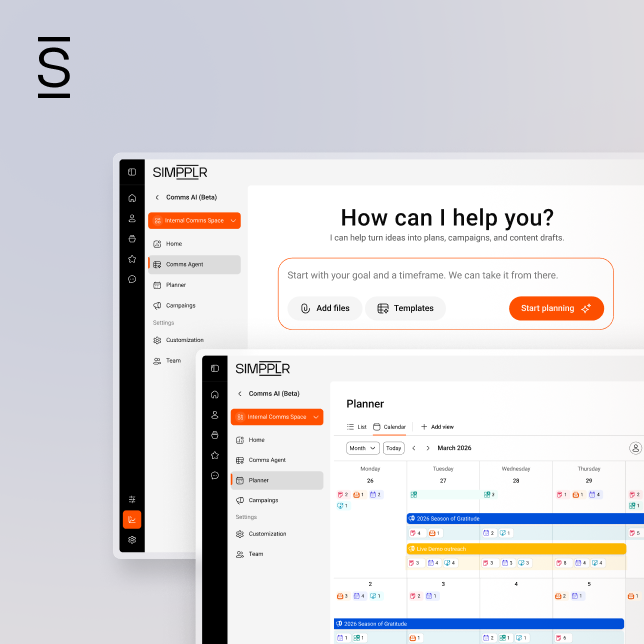
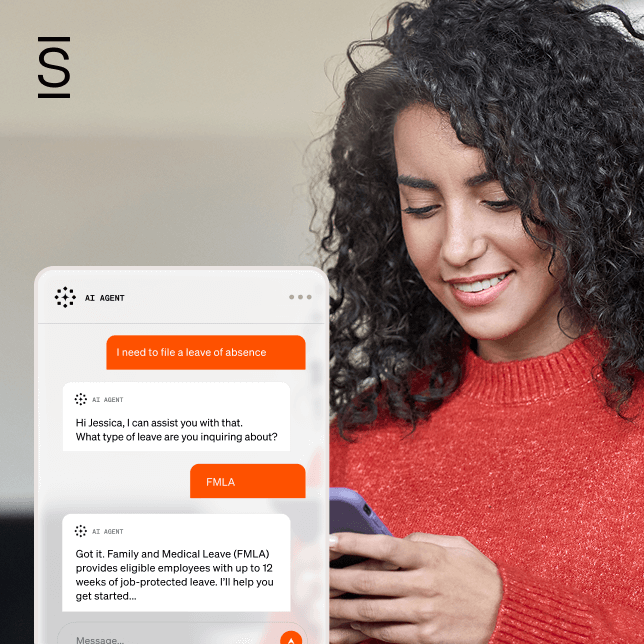
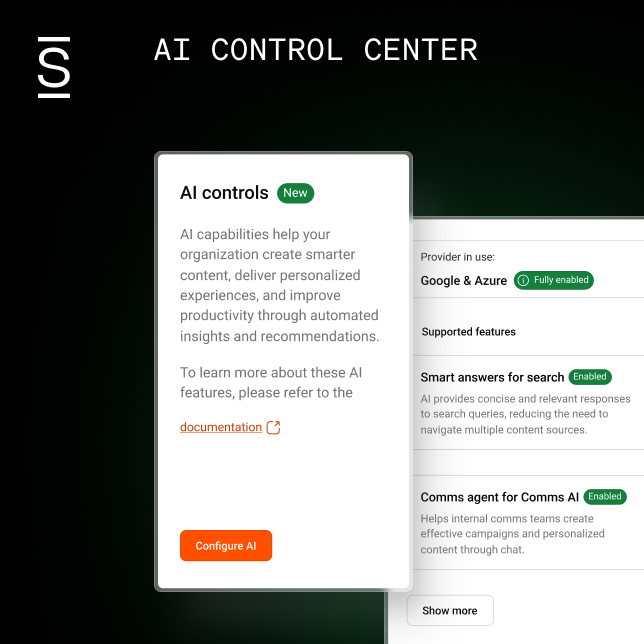
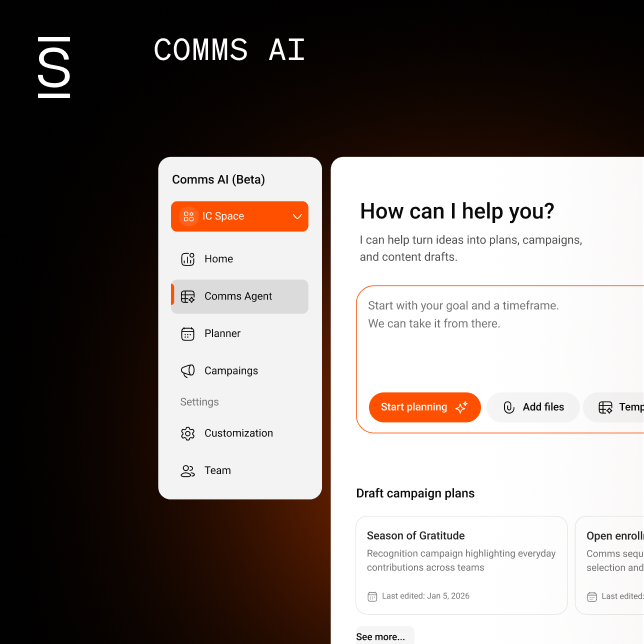
Simpplr’s Comms AI was built to do what standalone gen AI tools can’t — manage the full IC workflow, not just individual tasks. It’s built into the Simpplr platform where your content lives and where employees already go for information. The AI already knows your org structure, role hierarchies, approval requirements, and which channels reach which audiences so you’re not reconstructing context every time.
It also handles the coordination layer that standalone tools leave untouched. Most AI tools help you draft faster, then hand the work back. You still have to route approvals, reconcile feedback, and reformat for each channel.
Comms AI handles that entire workflow in one place. Campaigns get planned, drafted, approved, and published without losing context at every handoff.
Because the intelligence is embedded in the platform rather than bolted on, governance, permissions, and data protection are already in place. Your work stays inside your environment and is never used to train shared AI models. The result is less time managing logistics and more time doing the work that requires your judgment.
Ready to find out how Comms AI can streamline your internal comms workflows? Request a demo today.
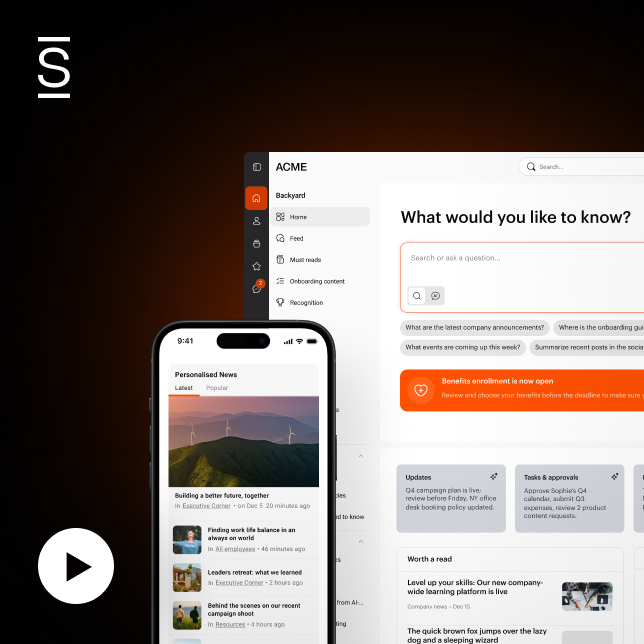
Watch a 5-minute demo
See how the Simpplr employee experience platform connects, engages and empowers your workforce.
- #1 Leader in the Gartner Magic Quadrant™
- 90%+ Employee adoption rate