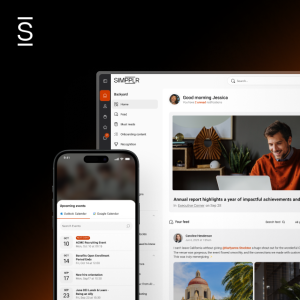


Put the right destinations within easier reach. A redesigned admin experience brings bottom navigation, the scroll bar, and the More menu into one place, making complex mobile environments easier to organize and helping employees get where they need to go faster.
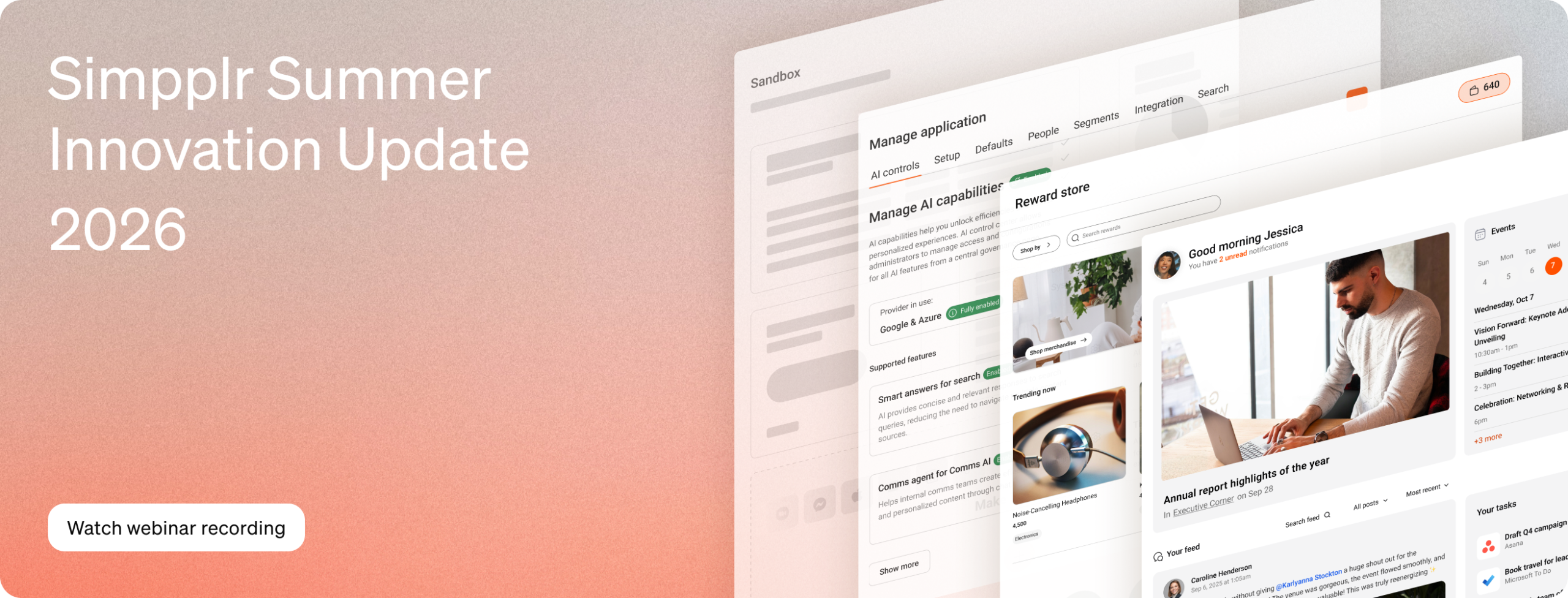
Summer 2026 Innovation Update
More personal for every employee.
More control for every admin.
From tailored home experiences and meaningful recognition to governed AI adoption,
these releases make Simpplr more relevant for employees and more manageable for admins.
Landing Pages
Because one homepage shouldn’t have to work for everyone
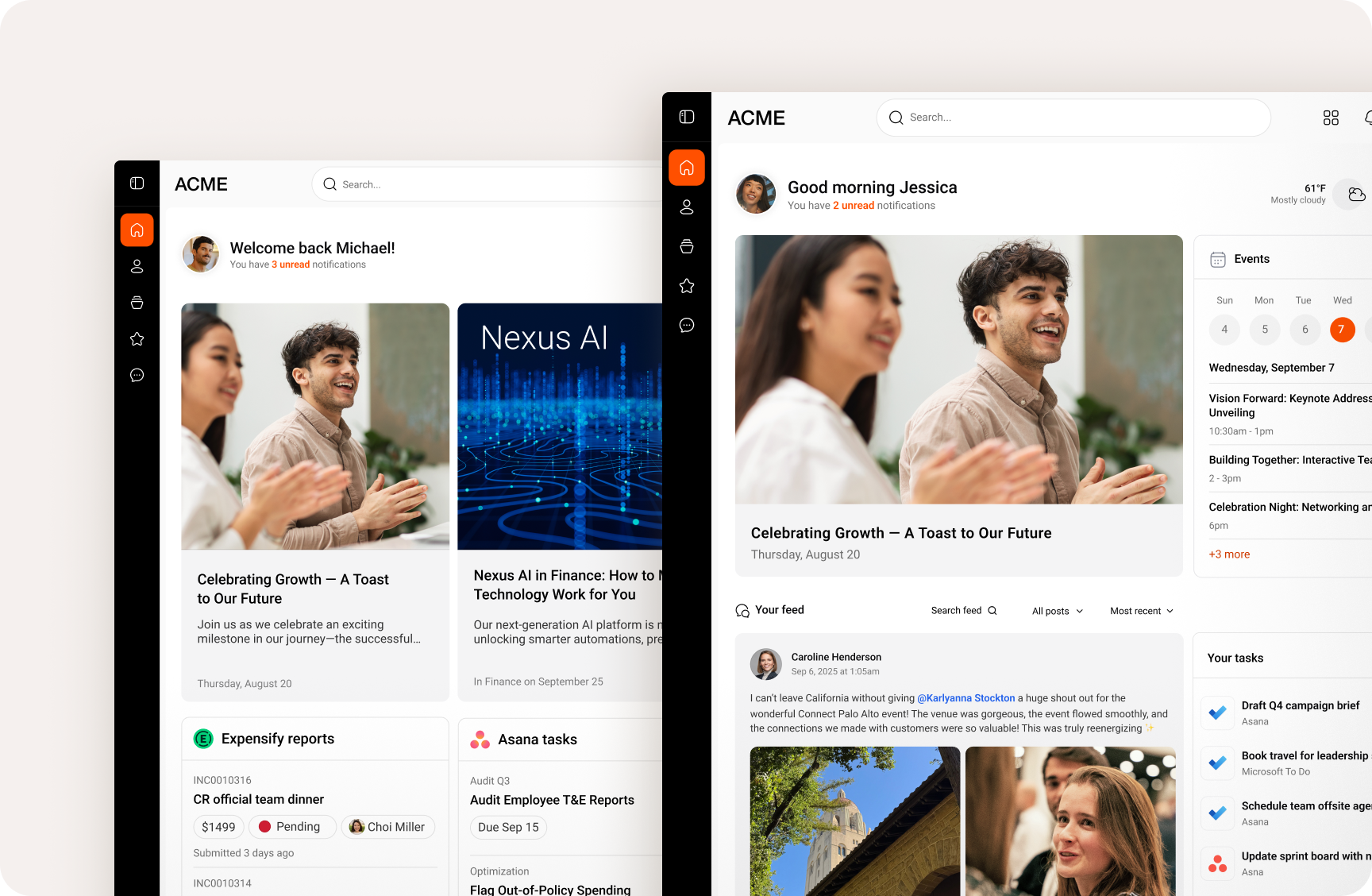
Give every employee a homepage that feels built for them. Create tailored starting points for a region, role, team, or purpose, then fill each one with the news, resources, tasks, and actions that matter most.
Employees spend less time filtering and more time moving. Communicators and admins get flexible layouts and precise targeting at the page, section, and tile level, so relevance scales without homepage sprawl.
Employees spend less time filtering and more time moving. Communicators and admins get flexible layouts and precise targeting at the page, section, and tile level, so relevance scales without homepage sprawl.
All-new Rewards Store
Because “great job” should come with something great
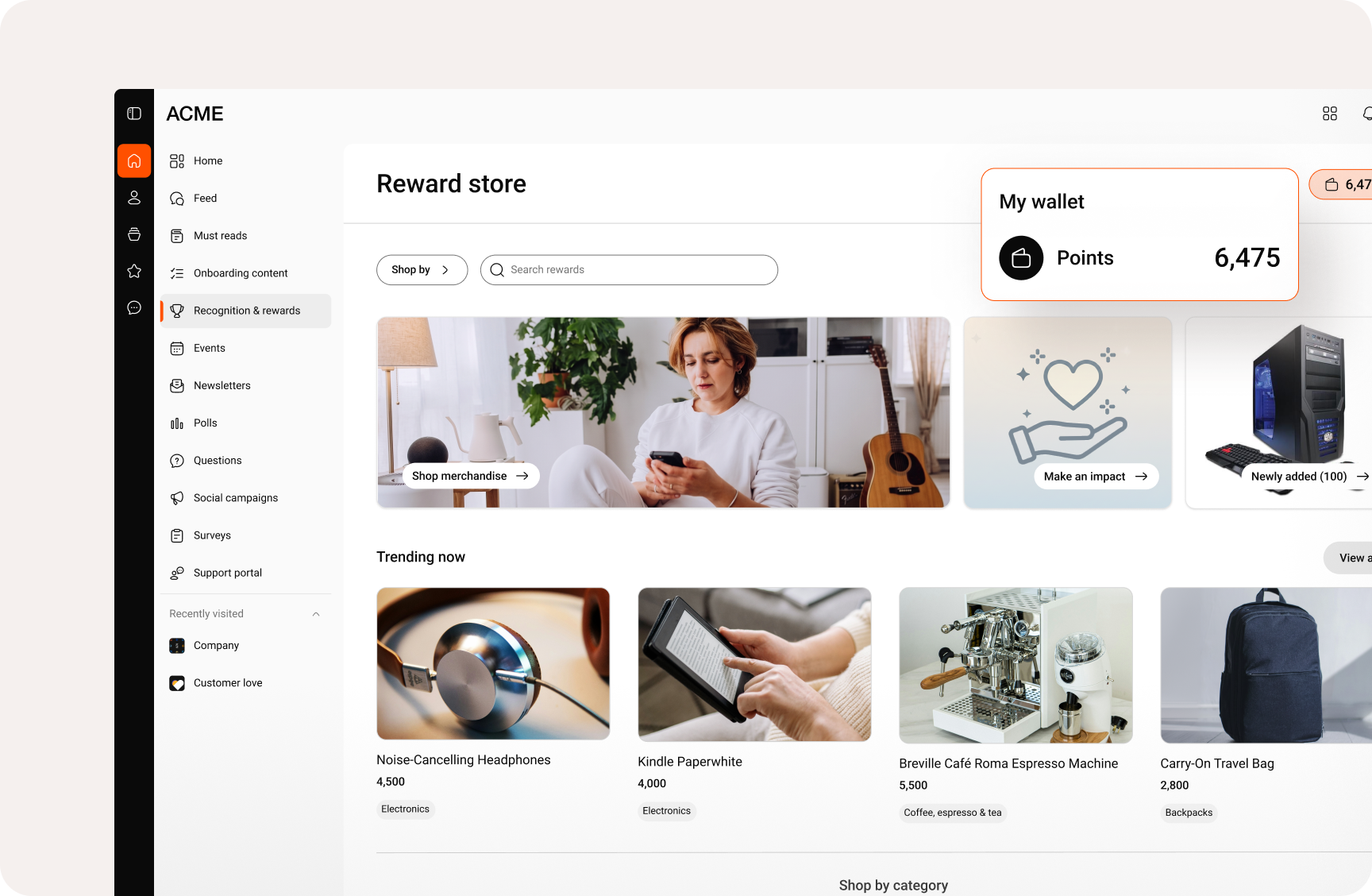
Complete the recognition experience with rewards employees can choose and enjoy. The all-new Rewards Store brings physical products, digital gift cards, and charitable donations into a familiar shopping experience right where recognition happens.
Employees get more choice and an easier way to find rewards that fit their preferences, points, and location. Admins keep the guardrails, with controls to curate items, brands, and categories, and review new additions before they appear.
Employees get more choice and an easier way to find rewards that fit their preferences, points, and location. Admins keep the guardrails, with controls to curate items, brands, and categories, and review new additions before they appear.
AI Control Center
Because moving fast with AI still calls for guardrails
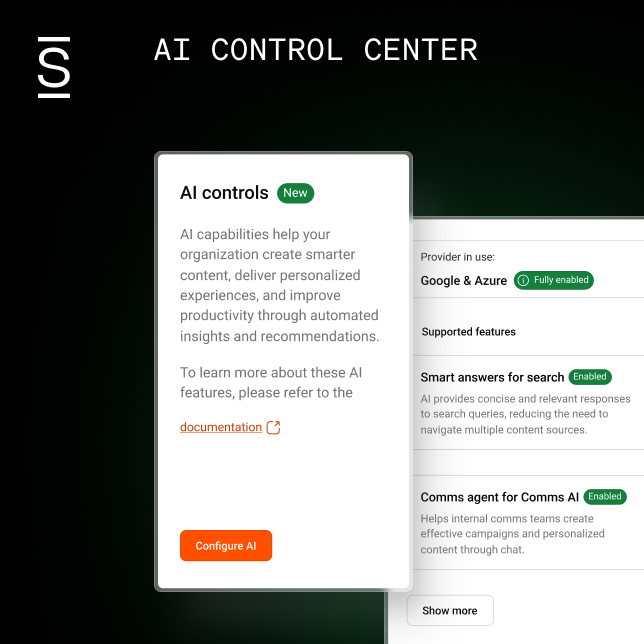
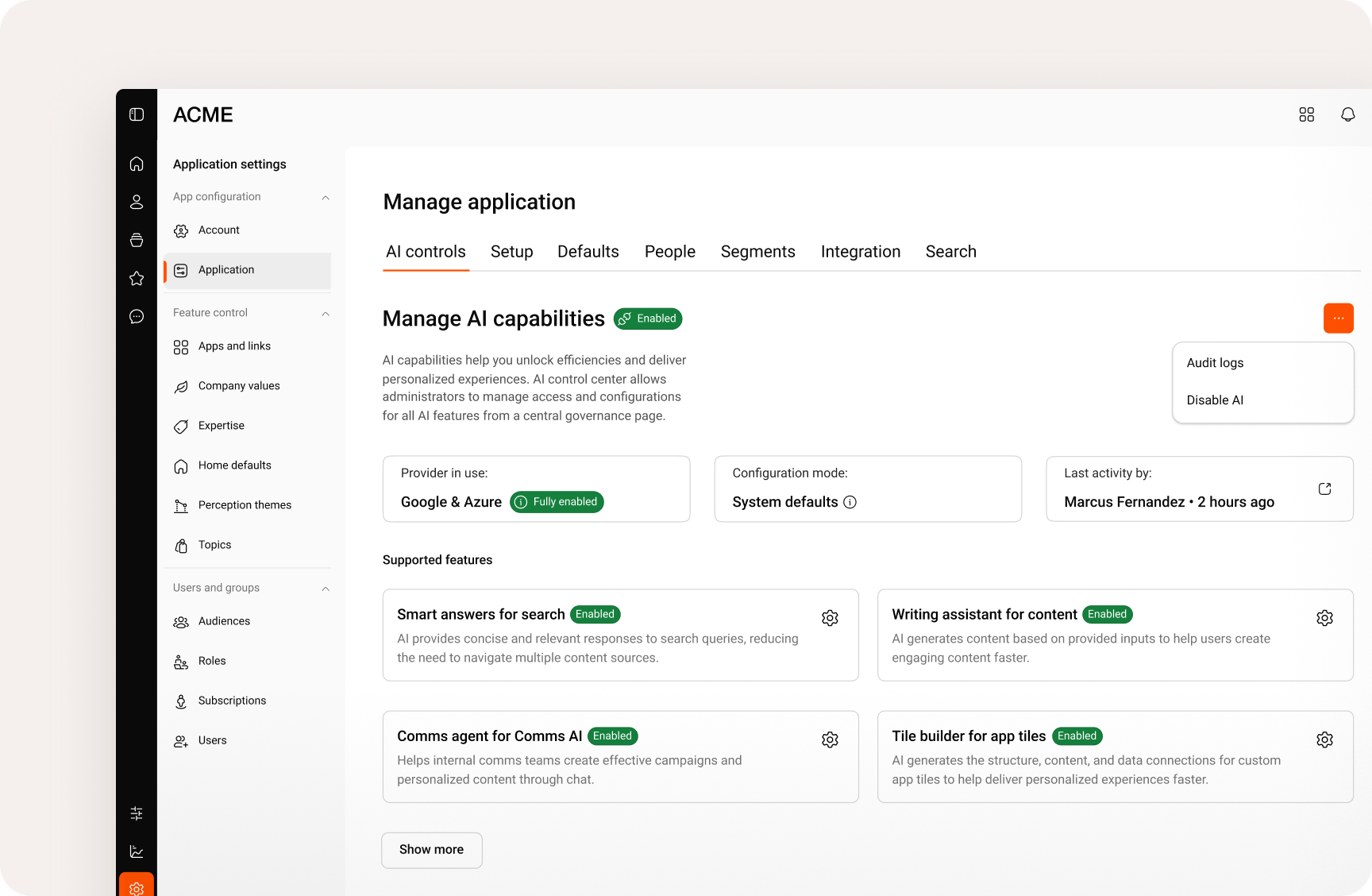
Bring AI into the employee experience without inviting chaos. AI Control Center gives admins one place to decide where AI shows up, which providers and models power it, and how each experience should behave.
Turn AI on globally or feature by feature, fine-tune system guidance, and track configuration changes. Employees get the benefits of AI, while IT, security, and governance teams keep a firm hand on the wheel.
Turn AI on globally or feature by feature, fine-tune system guidance, and track configuration changes. Employees get the benefits of AI, while IT, security, and governance teams keep a firm hand on the wheel.
Full Copy Sandbox
Because big changes deserve a dress rehearsal
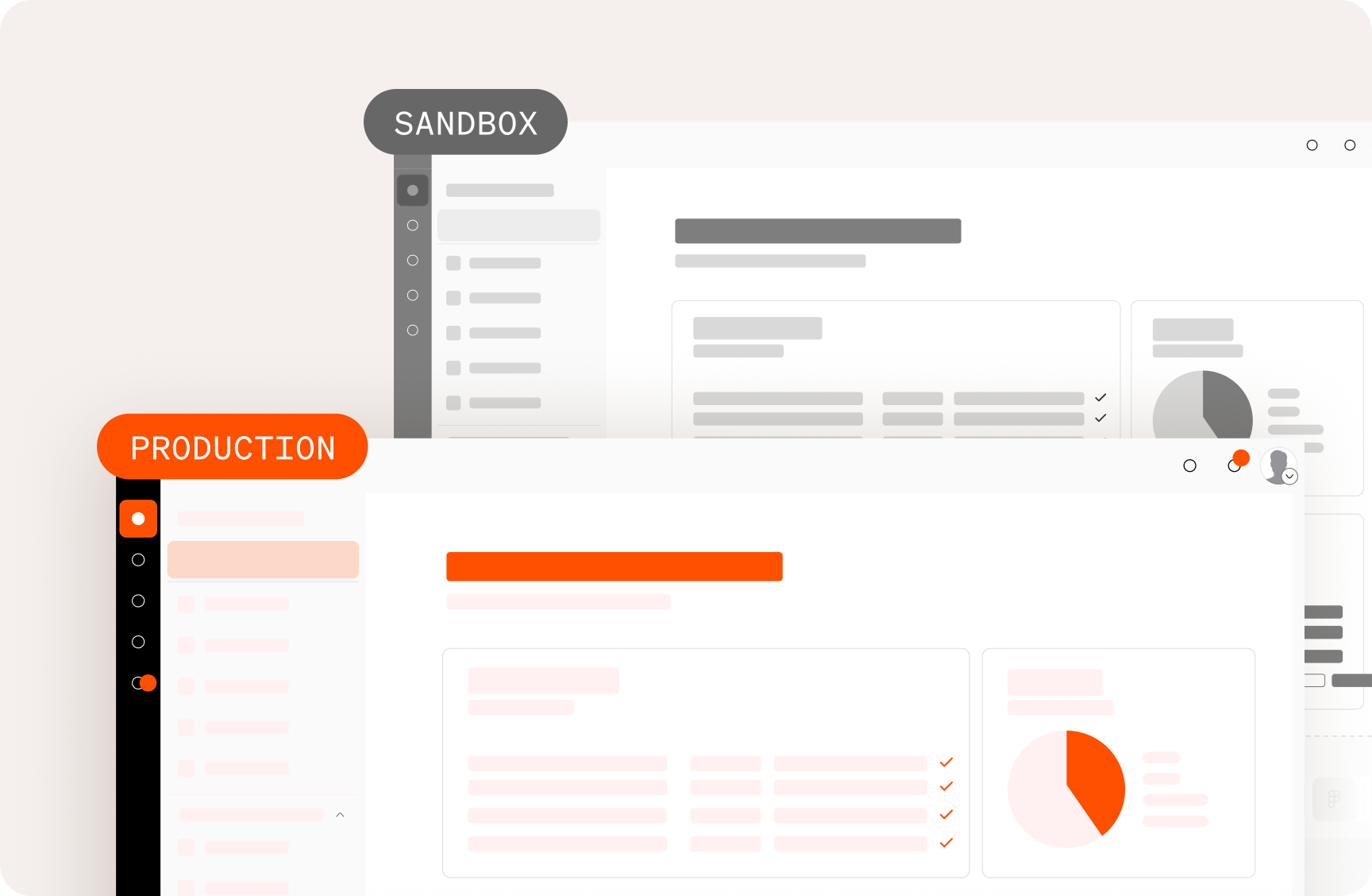
Full Copy Sandbox creates an isolated replica of your production environment — data, configurations, files, and all — so teams can test against the real thing without touching the real thing.
Try integrations, workflows, navigation updates, and admin training in a safe space. Work out the surprises before launch, then go live with fewer crossed fingers and a lot more confidence.
Try integrations, workflows, navigation updates, and admin training in a safe space. Work out the surprises before launch, then go live with fewer crossed fingers and a lot more confidence.
Continuing innovation
The features teams already love are learning new tricks.
Some of the best innovation doesn’t start from scratch. It makes the experiences employees and admins already
rely on every day faster, smarter, and easier to use. Here’s what’s new across eight familiar parts of Simpplr.
rely on every day faster, smarter, and easier to use. Here’s what’s new across eight familiar parts of Simpplr.
Mobile navigation
Surveys
Turn employee feedback into momentum. Target non-respondents with reminders, filter results by division or custom attributes, and share reports with managers. Plus, a survey agent turns open-text feedback into themes, sentiment, summaries, and next steps.
Messaging
That message from last week? Much easier to find now. Search within chats, forward messages, start informal groups without naming them, save notes by messaging yourself, and translate content inline — so useful information is easier to share, revisit, and understand.
Comms AI (Beta)
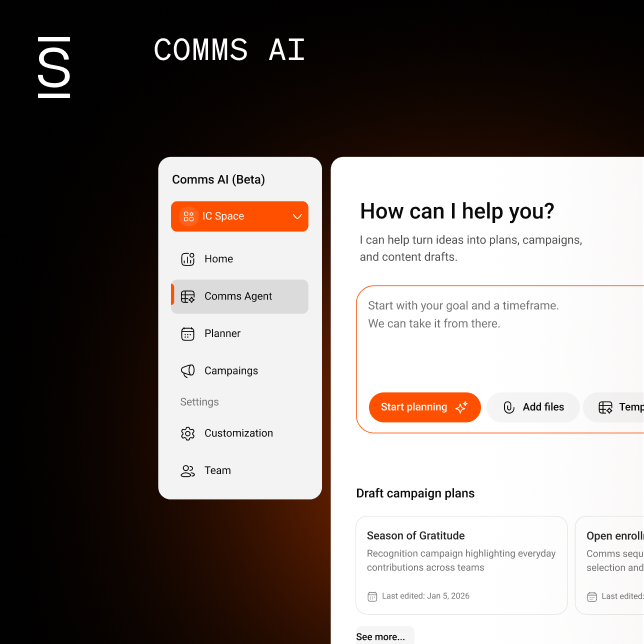
Plans change. Your campaign workspace should keep pace. Bring connected files into the workflow, prepare messages for Slack and Microsoft Teams, and adjust campaign timelines directly from the calendar. Saved views and shared draft controls keep teams coordinated as priorities shift.
Newsletters
Give every send a little more style and a lot more certainty. New layouts help communicators create richer newsletters, while approved translations and audience-aware controls support more relevant delivery. Automatic retries, clearer status visibility, and link insights make it easier to know what was sent and what landed.
Enterprise Search
Expand the search, not the scavenger hunt. New Zendesk and Ivanti connectors, plus a web crawler for specified public URLs, bring more trusted knowledge into one search experience and help employees reach useful answers with fewer dead ends.
Forms
A smoother form experience starts before the first field. Send employees directly to the right form, show progress through longer submissions, and let reviewers filter responses before opening or downloading attachments — making the experience easier on both sides.
App Tiles
Bring more of the workday into view. A unified approvals experience puts requests from multiple systems into one timeline, while the KnowBe4 tile surfaces due and overdue training with a direct path to complete it. Fewer systems to check, fewer things slipping.