





A critical update gets lost in an inbox. A key announcement fails to reach half the team. Just like that, communication breaks down, alignment disappears, and your organization moves in different directions. This scenario highlights why your organization needs a centralized internal communication platform.
Top 13 must-have internal communication tools and platforms
Top 13 must-have internal communication tools and platforms
Table of contents
- 1 What are internal communication tools?
- 2 types and features of internal communication tools
- 3 Top 13 types of internal communication software
- 4 How to choose the best internal communication tool
- 5 Measuring success: Internal communication analytics & ROI
- 6 See the essential features in action with Simpplr
It’s never been more critical to align and inspire employees around your organization’s mission, create space for feedback and engagement, and make sure they get the information they need — no matter where they work. In a world where change is the only constant, an effective internal communication strategy will keep everyone connected and moving in the same direction.
Effective internal communication isn’t just broadcasting updates. It’s about building trust, providing clarity, and ensuring everyone shares the same goals. Whether you’re a communications leader, HR executive, or IT manager tasked with keeping employees informed and connected, internal communication tools make it possible to reach everyone — from corporate to frontline — in real time. In this guide, we’ll break down the core features every internal communication tool should include, the top platforms leading the space in 2026, and how to choose the right fit for your organization.
What are internal communication tools?

Internal communication tools are software or platforms that empower your company to manage employee communications effectively. They streamline how information is shared, reduce the need for face-to-face interactions, and increase overall efficiency and productivity.
Internal communication tools include instant messaging apps, collaboration platforms, intranets, and employee engagement software. Each serves a unique purpose: facilitating quick updates, enabling team collaboration, or providing a centralized hub for important documents and resources. Within each category, you’ll find specific software solutions. For example, Simpplr operates as an intranet platform and Slack functions as a chat platform. The right technology mix breaks down silos and ensures everyone has access to the information they need.
Benefits of internal communication platforms
Organizations face significant challenges in keeping teams aligned and informed about important initiatives. Many companies struggle with fragmented messaging and information that fails to reach the right people at the right time.
The right internal communication tools provide the structure to overcome these obstacles. When implemented effectively, these platforms address core communication challenges that traditional methods can’t solve.
In the 2026 operating environment, IC is embedded within existing business functions: 43% in Operations and 41% in HR, rather than operating as a standalone department (2026 State of Internal Communications Report).
10 types and features of internal communication tools
Before we explore the top internal communication platforms, it’s important to understand which features make these tools effective and how they map to different types of communication systems.
1. Intranet
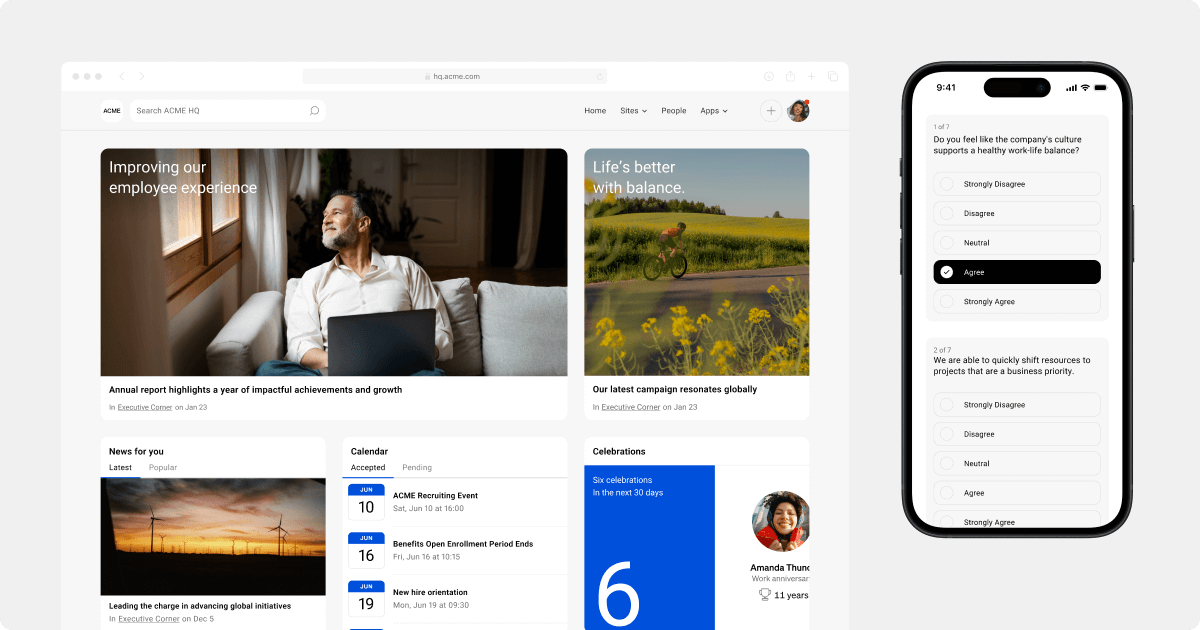
Gone are the days of clunky, hard-to-use intranets that drained time and resources. Modern intranets have transformed into sleek, user-friendly platforms that integrate easily with popular collaboration solutions, making implementation swift and straightforward. Today’s intranets serve the needs of desk-based and frontline teams. Mobile-friendly intranets have intuitive interfaces — modeled after social media apps — that employees can navigate easily with little to no training.
Key benefits of modern intranets:
- User-friendly design: Intuitive and easy to use, requiring minimal training
- Rapid deployment: Set up in days or weeks with minimal IT involvement
- Seamless integration: Connects effortlessly with business systems and databases
- Enhanced accessibility: Keeps employees informed whether they’re at their desks or on the go with mobile intranet apps
- AI search: Find documents, resources, and information with enterprise search
- Enterprise-grade security: Protects sensitive information with encryption and role-based access controls
- Smart notifications: Keeps teams connected with customizable alerts for projects, colleagues, and ERGs
- Multilingual support: Promotes inclusivity by allowing global employees to communicate in their preferred language
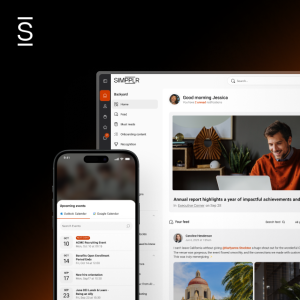
Simpplr, a leading AI-powered intranet, offers advanced features to boost engagement and cultivate a more connected workplace. You can also track content performance with built-in analytics and use insights to refine your communication strategies.
2. Messaging and chat
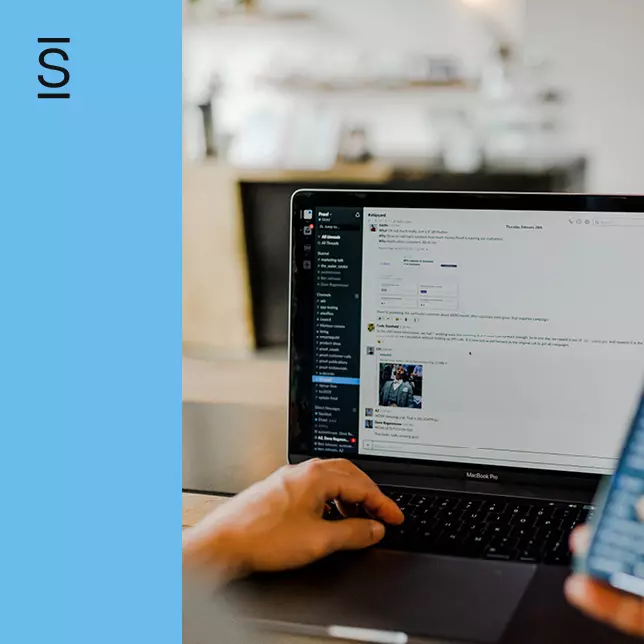
When quick questions need immediate answers, instant messaging tools bridge the gap. They enable swift, real-time communication that keeps projects moving forward without delays.
Messaging platforms are essential for remote teams to keep one-on-one and group conversations organized and efficient. These internal communication tools help teams stay coordinated, whether for quick clarifications or collaborative discussions to move projects forward.
Mobile apps ensure connectivity even when you’re away from your desk. But it’s important to manage notifications to prevent burnout. Encourage employees to set appropriate alert settings to maintain a healthy work-life balance.
Key benefits of messaging and chat tools:
- Real-time communication: Get answers and updates to speed up workflows
- Accessibility: Stay connected on the go with mobile capabilities
- Team coordination: Enable collaboration through individual and group chats
- Remote work support: Keep distributed teams in sync regardless of location
Solutions like Slack and Microsoft Teams offer powerful features to support your communication needs. An intranet that can integrate with these internal communication tools enhances their effectiveness and ensures important announcements and updates reach everyone, no matter where they work.
3. Internal newsletters
Today’s modern newsletters simplify the content creation process so you can focus on storytelling that fosters a strong company culture. The right platforms enable you to develop consistent, visually appealing newsletters that support videos, links, buttons, and images — without complex design or distribution.
Key benefits of modern newsletters:
- Effortless creation: Design and send newsletters that capture attention
- Personalized content: Use AI to tailor content to each employee’s needs and interests
- Multichannel delivery: Reach employees on mobile, desktop, Slack, Teams, or SMS
- Accurate targeting: Sync with HRIS for precise audience management without IT help
Modern internal communication platforms provide comprehensive analytics to track newsletter performance. Monitor click-through rates and content interaction results to refine your approach. Use prebuilt templates or create custom ones that align with your brand. These capabilities help you create newsletters that keep employees informed and engaged across the board.
4. Employee surveys
Employee surveys are essential for capturing feedback and insights directly from your employees. Unlike traditional methods that might miss important voices, modern employee surveys integrate with your internal communication tools to keep you connected with employee sentiment.
These surveys offer real-time data, allowing you to identify trends, understand pain points, and address issues before they escalate. They gather opinions, drive improvements, and inform decision-making.
Key benefits of employee surveys:
- Real-time feedback: Capture employee sentiments instantly to respond proactively
- Actionable insights: Use data to identify key areas for improvement and boost employee experience
- Tailored responses: Customize surveys for specific themes or departments to gather more relevant insights
Integrating survey tools with your intranet significantly enhances their effectiveness. The best survey tools enhance your ability to gauge employee engagement and satisfaction, ensuring you can address concerns and implement changes based on solid data.
5. Voice and video conferencing
Video meetings and webinars build better relationships with suppliers, vendors, and colleagues across different locations, whether in neighboring cities or globally. Popular video conferencing tools like Zoom, Microsoft Teams, and Google Meet come equipped with screen sharing, whiteboarding, and collaborative features that make sharing work and generating ideas efficient and effective.
Voice conferencing provides an alternative when video isn’t necessary or practical. It’s quick, uses less bandwidth, and allows for spontaneous discussions.
Key benefits of voice and video conferencing:
- Enhanced collaboration: Real-time video and voice communication keep teams aligned and engaged
- Flexibility: Choose between video or voice calls based on your team’s needs and preferences
- Efficiency: Screen sharing and collaboration tools improve meetings and boost productivity
Internal communication platforms with video and voice conferencing ensure your team stays connected and productive, regardless of location and circumstances.
6. Knowledge management
Knowledge centers and wikis are a centralized hub for essential information. They function as the backbone of internal documentation, keeping policies, procedures, and data in one accessible location.
These tools streamline knowledge sharing and ensure everyone has information precisely when needed. With detailed permissions, you can control who views or edits specific content, safeguarding critical data.
Key features of knowledge centers and wikis:
- Central repository: Consolidate all essential information in a single location
- Easy search: Locate necessary details quickly with an intuitive search function
- Controlled access: Set precise permissions to manage who can view or modify content
Popular knowledge management solutions, such as Notion and Atlassian Confluence, offer robust wiki capabilities. Integrating these internal communication tools with your intranet enhances their effectiveness, centralizing knowledge management and streamlining access across the organization.
7. Collaboration software
Teams working in different time zones and locations require robust collaboration tools. These platforms facilitate seamless communication and project management, ensuring alignment across geographic locations. Popular collaboration tools such as Google Workspace, Trello, and Asana help bridge the gap.
Employees in a collaborative environment worked 64% longer than those who worked independently (Stanford University).
Key features of effective collaboration software:
- Real-time messaging: Maintain ongoing conversations with instant messaging and chat rooms
- Task management: Assign, track, and complete tasks efficiently
- File sharing: Exchange documents without the limitations of email attachments
- Project timelines: Visualize schedules and deadlines to stay on track
Integrating collaboration platforms within your intranet enhances their value by unifying functionalities in one location. This integration streamlines workflows and ensures essential updates and documents remain accessible. For example, real-time project boards allow team members to monitor progress and upcoming tasks at a glance.
8. Leadership center
A leadership center is a dedicated digital space where executives communicate directly with employees. This specialized portal enhances transparency by providing a consistent platform for sharing updates, company news, and strategic goals, functioning as a direct line between management and staff.
66% of leaders believe they are aligned with employees, while only 44% of staff members agree (Axios 2023).
This lack of alignment directly impacts engagement and productivity. Regular communication from leadership builds trust and keeps employees aligned with company objectives. The interactive elements of a leadership center, such as Q&A sessions and discussion forums, enable employees to engage directly with executives, fostering inclusion and demonstrating that employee perspectives matter.
A leadership center can include:
- Leadership updates: Regular messages from top executives to keep everyone in the loop
- Strategy sharing: Detailed explanations of the company’s strategic direction and goals
- Interactive forums: Spaces for employees to ask questions and get direct responses from leadership
- Resource libraries: Access to leadership training materials, articles, and other resources to help develop future leaders within your organization
Integrating a leadership center into your intranet streamlines the flow of information and strengthens connections between leadership and employees, creating a more engaged and informed workforce.
9. Employee recognition and rewards
Recognition embedded in workplace technology transforms employee appreciation into a natural, motivating part of daily work. When employees feel valued, they stay longer, work harder, and contribute positively to the company’s growth.
Well-recognized employees are 4.4x more likely to strongly agree that their job gives them purpose in their life (Gallup).
Key benefits of a strong employee recognition program:
- Seamless integration: Embed recognition into daily operations so employees receive real-time acknowledgments as part of their regular updates
- Customizable rewards: Use digital badges and tangible rewards to highlight accomplishments and reinforce company values
- Insightful analytics: Track recognition patterns to identify trends and opportunities for improvement
Use analytics to measure the impact of your recognition program and ensure comprehensive acknowledgment across teams. Manager dashboards and automated alerts promote leadership involvement, making recognition a consistent priority.
10. Onboarding center
Starting a new job can feel overwhelming. An onboarding center removes confusion by providing clear, step-by-step guidance. New employees know exactly what they need to do, when they need to do it, and where to find help if they get stuck.
Employees with an exceptional onboarding experience are 2.6x more likely to be satisfied with their workplace and, consequently, far more likely to stay (Gallup).
Key benefits of an onboarding center:
- Tailor onboarding journeys: Personalize each onboarding experience with role-specific content, actions, and training
- Warm welcomes: Facilitate connections with personalized communications from existing team members
- Simplified compliance: Integrate compliance tasks and essential information into the onboarding flow
- Engaging content: Use videos and AI-powered tools to make it easy for new hires to find answers and information for accelerated learning
An effective onboarding center transforms first-day jitters into excitement and confidence, helping new employees become productive team members faster. By integrating an onboarding hub into your intranet, organizations smoothly transition a nervous new hire into an engaged, confident employee who feels connected from day one and prepared in no time.

Top 13 types of internal communication software
Once you have the right message, you need a way to share it. This is why it’s crucial to adopt technology that enables the creation and distribution of content and diversifies how information is presented internally.
Now that you know what to look for, let’s explore the leading internal communication platforms and software powering modern workplaces in 2026.
| Platform | Best for | Standout features | Consider if… |
|---|---|---|---|
| Simpplr | AI-powered personalization & distributed workforce mobile-first communication | Advanced AI personalization, frontline worker engagement, enterprise-grade governance, seamless integrations with Slack, Teams, SharePoint, Microsoft 365, HRIS, Google Workspace, etc. | Enterprise-scale personalization, real-time listening insights, enterprise search, and AI assistants to help employees find information faster |
| Slack | Team messaging | Real-time chat and emoji reactions | You prioritize instant messaging over structured knowledge management |
| Microsoft Teams | Microsoft 365 users | Deep Office integration and Copilot AI assistance | Already invested in the Microsoft ecosystem |
| Google Workspace | Real-time collaboration | Seamless tool integration, collaborative editing, cloud-based access | Document collaboration matters more than extensive governance |
| Connecteam | Mobile-first operations | Deskless workforce tools, scheduling, and task management | You manage frontline workers with simple communication needs |
| Jostle | Quick adoption & ease of use | Minimal learning curve, employee recognition, event coordination | Simplicity and quick deployment outweigh the need for advanced personalization |
| Blink | Hybrid teams | Mobile-first design, social feed, secure chat for deskless workers | You need to connect the office and frontline staff with social-style communication |
| Confluence | Centralized knowledge management | Dynamic pages, project documentation, rich templates | You need technical documentation and wiki-style content |
| Workvivo | Zoom-integrated employee experience | Town halls via Zoom, employee-generated content, and communities | Your organization relies heavily on Zoom for virtual events |
| Staffbase | Distributed workforce newsletters | Email newsletters, SMS support, Microsoft 365 integrations | You prioritize multichannel communication campaigns over intranet features |
| Unily | Social-feed style engagement | Marketing-grade automation, content templating, and multichannel campaigns | You’re a large enterprise (10,000+ employees) needing sophisticated content workflows |
| LumApps | Microsoft 365 and Google Workspace intranets | Content publishing, simple news feeds, out-of-the-box Google/Microsoft connectors | You want to extend the existing productivity suite |
| Firstup | Multichannel employee communications | Omnichannel message delivery, basic audience segmentation, campaign-level reporting | Your primary need is pushing campaigns out across channels, rather than a unified intranet with governance |
| Haiilo | Employee communications and advocacy | Employee advocacy tools, social feed, and engagement tracking | Advocacy and feed-style engagement matter more to you |
Here is a list of the top 13 internal communication platforms to consider:
1. Simpplr: #1 intranet for internal communications
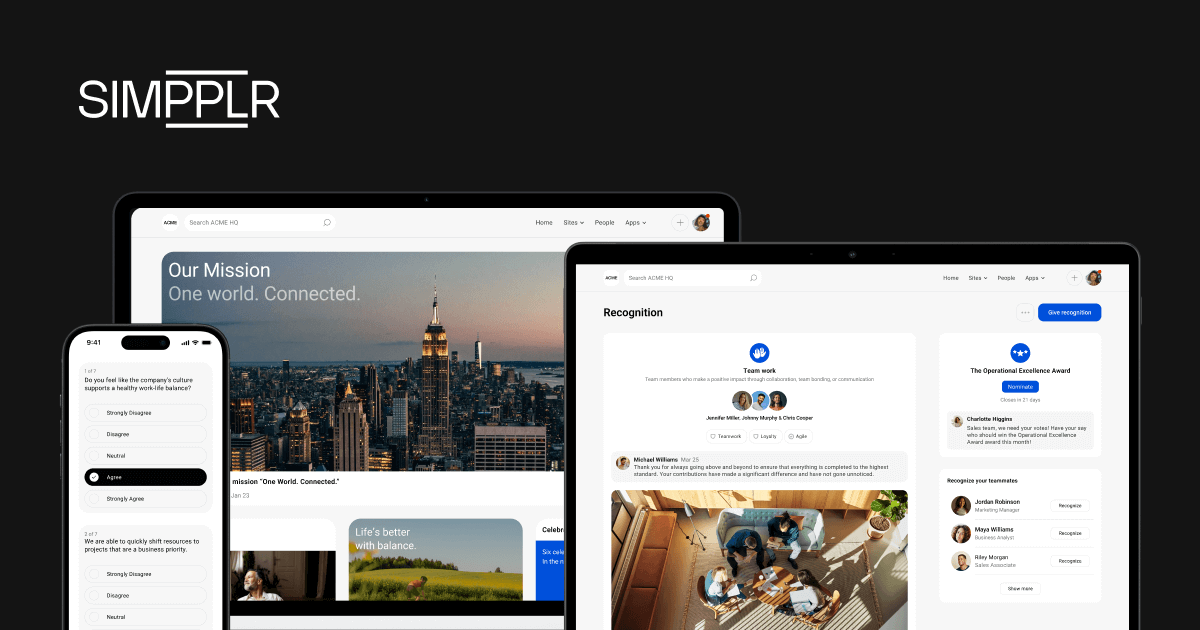
Organizations with strong internal communication systems respond faster and more effectively during times of change. The most forward-thinking internal communications teams are using Simpplr, an AI-powered modern intranet, to deliver highly personalized communications to the right audience without extensive technical help.
Simpplr effortlessly scales personalization for thousands of employees, amplifying the reach and impact of internal communications teams. With extensive AI capabilities, it analyzes user behavior, preferences, and historical data to deliver tailor-made content recommendations and serve up relevant information automatically — ensuring that employees receive the information that matters most to them.
Pros:
- Simpplr excels at connecting frontline and distributed workforces through integrated collaboration, messaging, and work management capabilities.
According to the 2025 Gartner® Magic Quadrant™ for Intranet Packaged Solutions: “For organizations, particularly those with frontline staff, Simpplr supports effective work management through integrated collaboration and messaging, while its employee insights and profiles are key for fostering stronger peer-to-peer connections.” - Customers continue to point to Simpplr’s internal communications capabilities as a standout, from planning targeted campaigns to measuring how messages land across the organization.
According to The Forrester Wave 2026 report: Users cite “high satisfaction with Simpplr’s customer service, insights, visibility, and internal communications capabilities.” This feedback shows how well the platform serves comms teams day to day. - With rich AI and machine learning capabilities, including genAI writing assistants for content creators, Simpplr delivers a highly personalized employee experience by providing customized and relevant information tailored to specific needs.
According to The Forrester Wave 2026 report: “Content governance is a strength, with an automated governance engine to detect inactive content and provide next best actions to authors.”
Cons:
- Simpplr’s operations are heavily concentrated in North America, with only limited resources and support in other regions. This geographic focus presents potential challenges for international clients who may require assistance.
The Gartner Magic Quadrant 2025 report cautions: “Global organizations or those in regions with distinct requirements should evaluate whether Simpplr can support local needs directly or through its partner ecosystem compared to vendors.”
Ideal for: Simpplr is ideal for internal communications leaders, HR executives, IT professionals, and employee experience teams who need to deliver personalized, scalable communications with enterprise-grade governance and built-in analytics — without relying on developers.
2. Slack
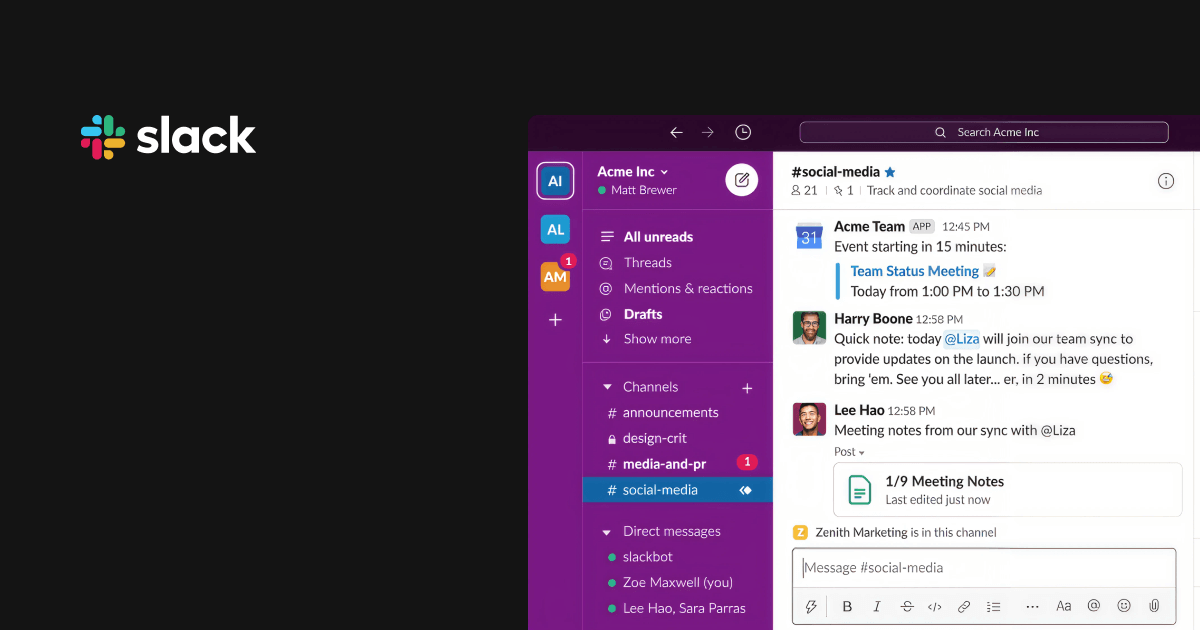
Slack is a popular cloud-based internal communication platform built for fast, organized team collaboration. It enables employees to chat in real-time, share files, and stay updated through dedicated channels for projects, departments, or specific topics. Users can express their reactions using emojis in response to any message.
Pros:
- It has a user-friendly, chat-style interface with straightforward navigation and simple channel organization. It requires minimal training, enabling quick team adoption and immediate productivity.
“Slack has a simple and clean user interface that makes it easy for everyone to navigate through it freely. Its features are easy to use, and the learning curve was short and brief.” — Gilbert Perez, Senior Associate and Senior Project Designer, 2025 - Integration with more than 2,000 apps enables teams to centralize their work processes, automate routine tasks through workflow builders, and access multiple tools without switching between different platforms.
“You can easily send messages to multiple people, schedule them, and integrate the tool with other services like Google Calendar or ClickUp.” — Beatriz Rei Amorim, Market and Product Analyst, 2025
Cons:
- User reviews have noted that while one can create dedicated channels for different projects or teams on Slack, the number of messages can be overwhelming if notifications aren’t properly managed.
“While the notification settings are customizable, finding the right balance between staying informed and avoiding notification fatigue requires constant adjustment.” — Francisco Escobar, Customer Success Team Lead, 2025 - With so many channels and conversations happening simultaneously, Slack’s search feature may struggle to find specific messages or files from older conversations, as they often get buried under newer messages.
“It is hard to search for a past message or a file that was attached days ago. In an active Slack channel, past posts and files get lost since messages are listed chronologically. The search functionality is pretty weak compared to other filing systems.” — Steven Tsao, Demand Generation Leader, 2025
Ideal for: Engineering teams, product managers, and fast-moving startups who prioritize real-time collaboration and quick decision-making over structured knowledge management.
3. Microsoft Teams
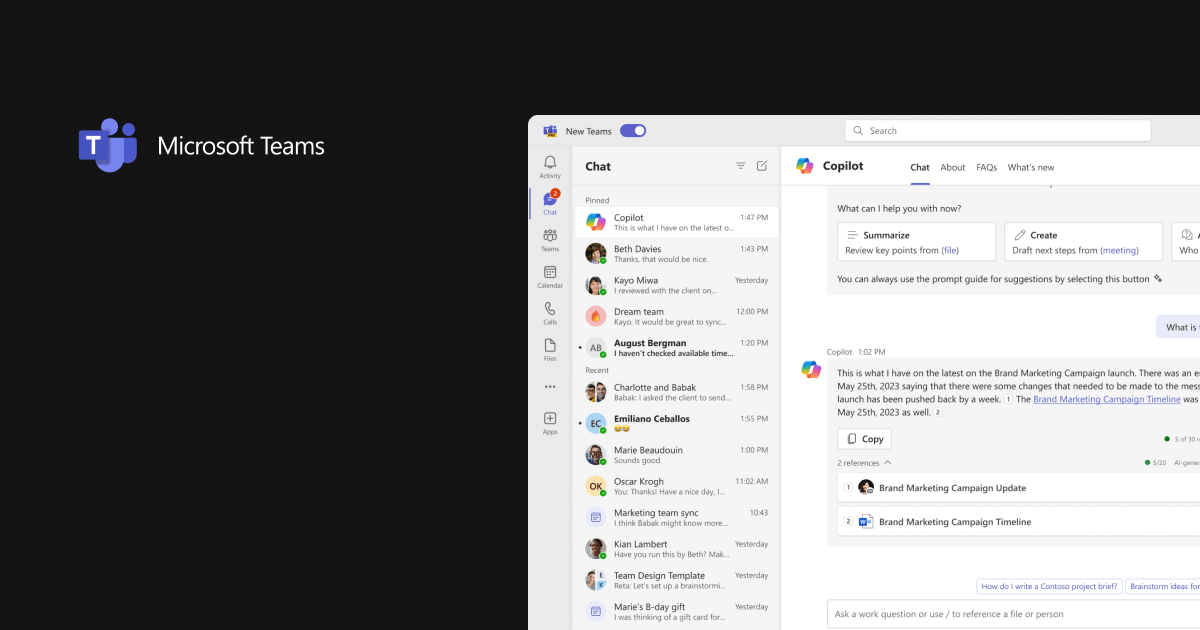
Microsoft Teams is a collaboration platform packaged with the Microsoft 365 suite. It supports one-to-one and group chats, team channels, audio and video calls, and meetings with features like breakout rooms and live events. The platform also integrates deeply with Microsoft Office apps and third-party services.
Pros:
- According to The Forrester Wave 2026 report, Microsoft 365 provides “extensive collaboration options,” and for many teams, it helps users extract key insights from conversations and quickly locate information buried across platforms.
“What I like best about Microsoft Teams is its seamless integration with the broader Microsoft 365 ecosystem. Having SharePoint, OneDrive, Outlook calendar, and direct document collaboration inside a single interface makes project coordination extremely smooth.” — Information Technology Operations Manager, 2026 - Supports communication and cross-functional collaboration by offering external meeting capabilities and integrated file sharing that help teams stay connected with clients and external partners.
“The scheduling and compatibility with Outlook calendars is amazing, and our clients and suppliers find it easy to communicate with our team when they need help fast, because Teams is already widely used.” — Director & Co-Founder, 2025
Cons:
- While Microsoft Teams excels in communication and collaboration, users report challenges with its features and constant notifications.
“Microsoft Teams can sometimes feel a little overwhelming with all the different features and notifications. It can also be slow at times, especially when joining meetings or switching between chats and files. Overall, though, it’s a useful tool for staying connected and communicating with coworkers.” — Senior Program Specialist, 2026
Ideal for: IT leaders, enterprise administrators, and organizations deeply embedded in the Microsoft ecosystem
4. Google Workspace
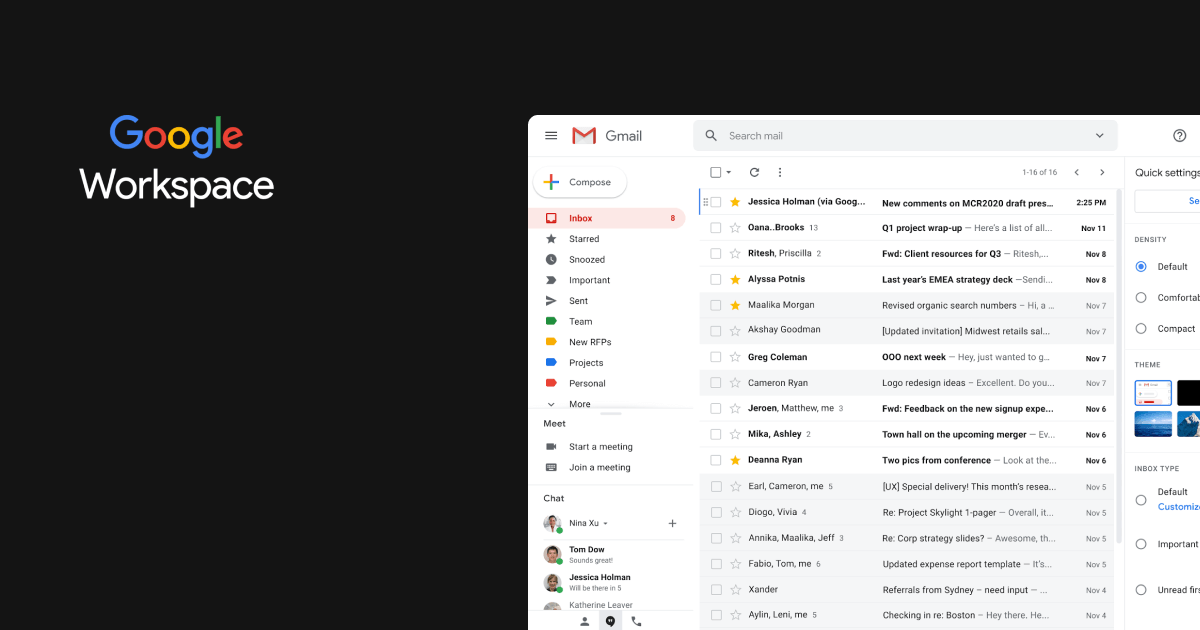
Google Workspace is a cloud-based productivity suite that includes Gmail, Google Drive, Docs, Sheets, Slides, Meet, and other collaboration tools. The platform enables teams to work together in real-time on documents, host video meetings, and manage projects from anywhere with an internet connection.
Pros:
- The sleek user interface makes it simple for teams to work together, and seamless integration across applications improves team productivity and collaboration.
“What I like best about Google Workspace is how smoothly everything works together. Whether I am writing docs or managing data in sheets, or jumping on a video call with Google Meet, it is all connected.” — Associate Engineer, 2025
- Real-time coauthoring capabilities with version control enable multiple team members to work simultaneously on documents, spreadsheets, and presentations while maintaining seamless coordination.
“The real-time editing in Google Docs, Sheets and Slides is specially helpful when working with teams.” — Founder and CEO, 2025
Cons:
- As teams grow, Google Workspace’s pricing can become a consideration when they need more advanced admin and security controls.
“One noticeable downside is that some advanced administrative and security features require upgrading to higher-tier plans, which can increase costs for smaller teams or growing businesses.” — Director, 2026 - The search functionality within Google Drive can be limited for specific use cases, making it challenging to locate specific files and content.
“In the process of engineering projects, a huge amount of drawings, spreadsheets, reports, and other documentation is created. It is hard to find the latest version without proper structure and naming of the file.” — Electrical Engineer, 2026
Ideal for: Remote-first teams, creative agencies, and small to mid-sized businesses who need seamless integration across Gmail, Drive, Docs, Sheets, and Meet.
5. Jostle
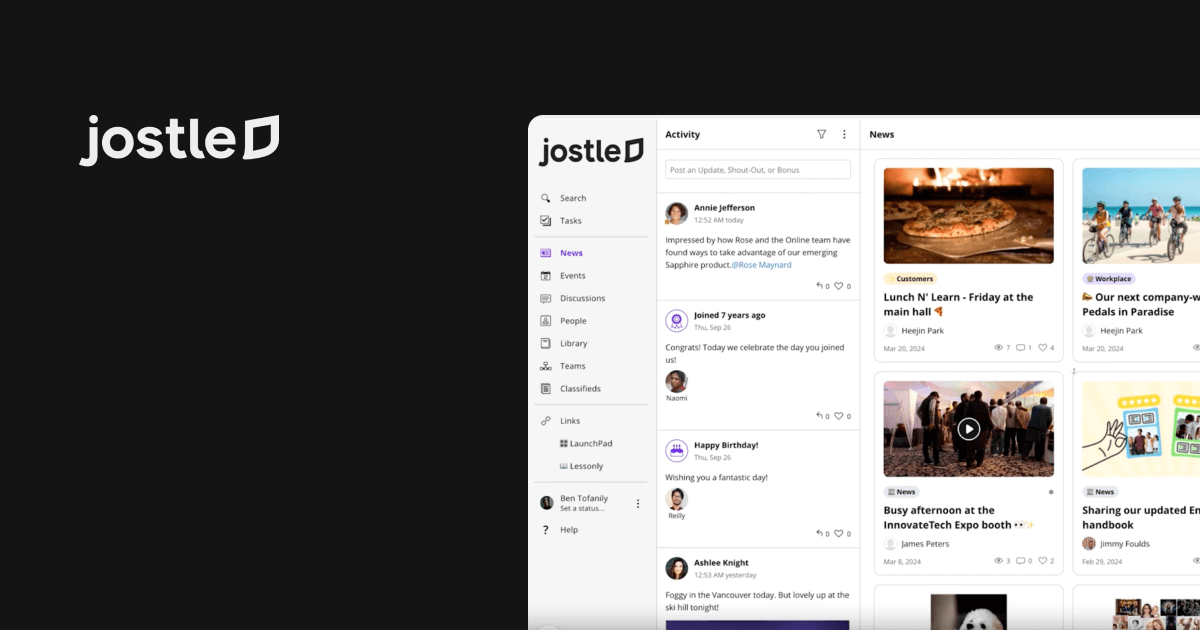
Jostle is an employee success platform built to boost internal communication, collaboration, and engagement. It includes features such as news updates, discussion forums, employee directories, event coordination, and more.
Pros:
- The intuitive platform has a minimal learning curve that allows employees to quickly learn and use the system without extensive training or technical expertise.
“Jostle learning curve is simple, and once you get familiarized with the platform, using it and everything else becomes simple for you. It has a user-friendly interface and a reliable customer support team.” — Sales Specialist, 2025 - Teams can centralize their project discussions and files and share updates in dedicated spaces, as well as recognize peers for their contributions, without any hassle.
“Jostle has transformed how our remote workforce connects, making it easy and enjoyable to stay updated on company news, celebrate milestones like work anniversaries and birthdays, and ensure no updates or events get lost in the shuffle.” — Marketing Manager, 2025
Cons:
- The home feed can become crowded, making key communications easy to miss. Employees may need to check it frequently to stay up to date.
“The home feed can get busy, making it easy to miss key communications if you aren’t checking constantly.” — Customer Account Representative, 2026 - While users praise Jostle’s Library feature for centralizing important documents and making files easily accessible, some report inconsistencies in search results.
“I do wish there was a quicker way to search/find certain content, like searching past articles by keywords/people.” — Exec Coordinator, 2025
Ideal for: HR teams in small to mid-sized companies who want a simple, out-of-the-box employee engagement platform with minimal training requirements.
6. Blink
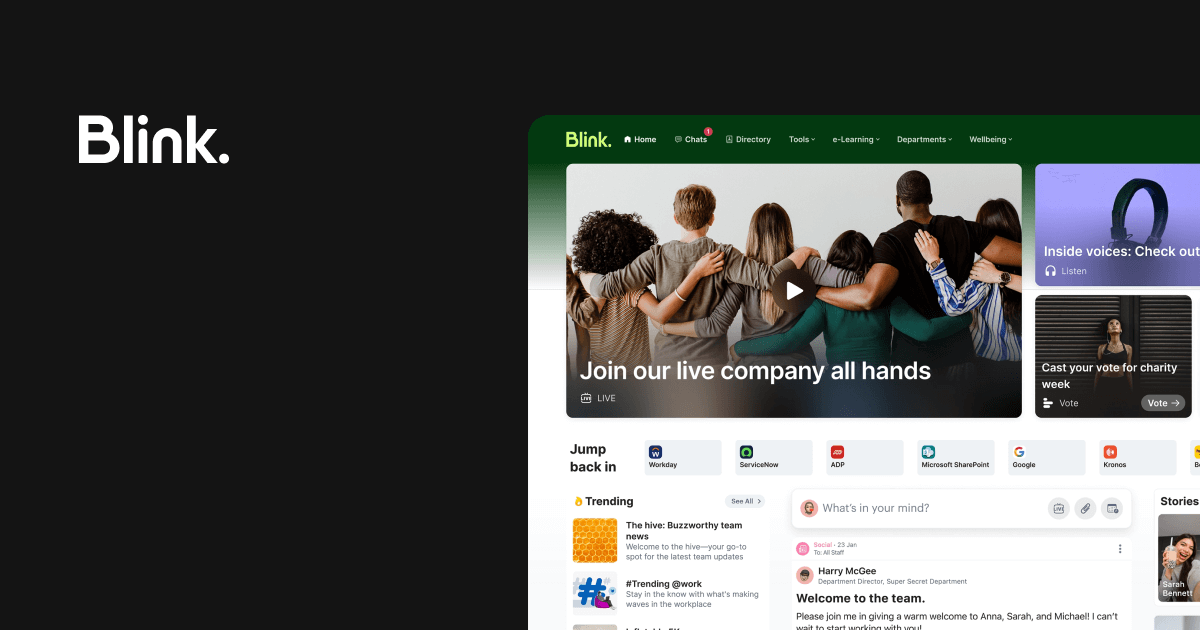
Blink is a mobile-first employee engagement platform that facilitates two-way communication between office staff and deskless workers such as bus drivers, restaurant employees, and field engineers. Key features include a modern social feed, secure chat, digital forms, surveys, single sign-on access, and a centralized hub for policies and resources.
Pros:
- The platform has a simple, easy-to-use design made for people who work on the go. It’s built for smartphones and feels similar to a social media app, so employees can start using it with little to no training.
“The user interface is clean and straightforward, which lets our less tech-savvy frontline workers jump right in and locate the resources they need without any formal training.” — Team Coordinator, 2026 - Instant messaging, news feeds, and push notifications connect office management with frontline workers. The platform enables real-time communication across distributed teams.
“Its strength is in company-wide communications on an easy to use platform that is familiar with most staff who regularly use mobile devices and social media.” — Training and Competence Manager, 2026
Cons:
- When an employee leaves, their unread mandatory content may still appear as outstanding in Blink. This can make completion reports harder to interpret because they include people who are no longer expected to read it.
“When an employee is finished, any mandatory reads outstanding are still outstanding.” — Verified User in Transportation, 2026
Ideal for: Operations directors, facilities managers, and companies bridging desk-based and frontline workers.
7. Confluence by Atlassian
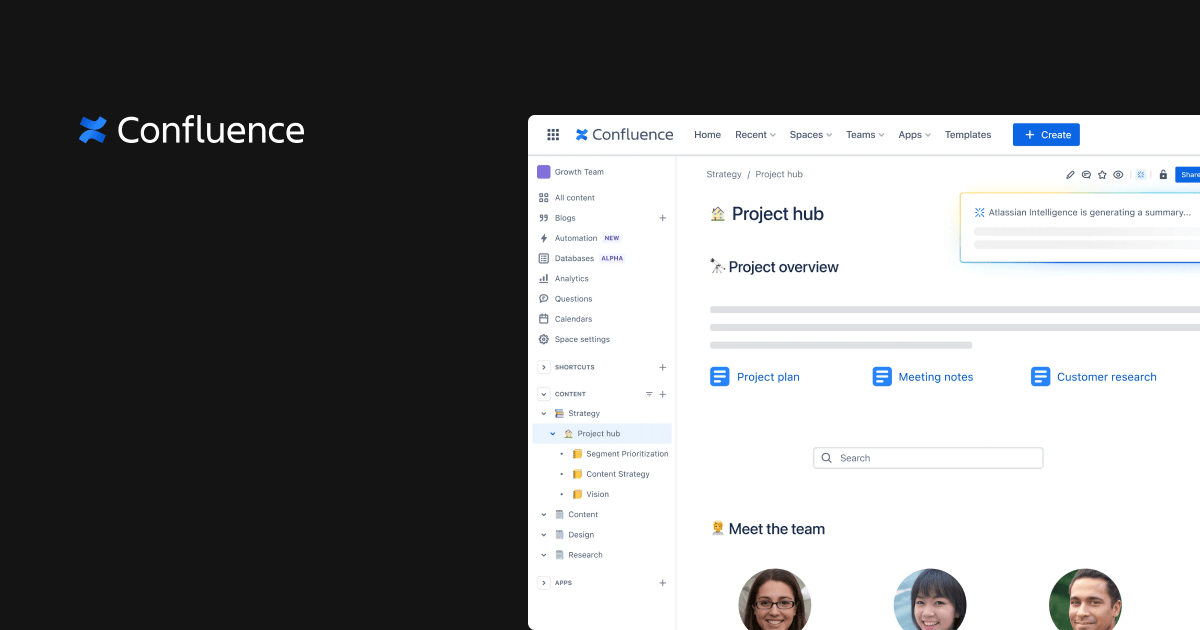
Confluence is a versatile collaboration and knowledge management tool that helps teams create, organize, and share content efficiently. Users can build dynamic pages, such as project plans, meeting notes, and policies, using built-in templates or blank pages. It supports collaborative editing, inline comments, and mentions for targeted feedback and faster responses within documents.
Pros:
- The platform makes it simple to organize information in folders and subfolders and format pages to make content easier to read.
“It’s very clear and organized, offering folders and subfolders, which helps in keeping everything organized. I appreciate the variety it provides with different types of text, organization styles, titles, and typographies.” — Product Support Specialist, 2026 - Confluence streamlines workflows, manages tasks efficiently, and facilitates communication among team members, making team collaboration unparalleled.
“The dynamic collaboration is great, allowing you to work with as many colleagues as you want.” — IT Administrator, 2026
Cons:
- Confluence manages and organizes information across teams but has noted weaknesses in search functionality.
“Search is my daily frustration. When I need to find a specific test plan or an older bug analysis doc, Confluence search often surfaces outdated drafts or duplicate pages first.” — Quality Assurance Engineer, 2026 - Confluence manages and organizes information across teams but has noted weaknesses in search functionality.
“I have to say there’s a learning curve when you’re first figuring out how to use it. At times the UX feels too reactive: trying to move a paragraph can create multiple rows, and other times you try to move something and it gets wiped off the page.” — Strategy and Innovation, 2026
Ideal for: Development teams and product managers who need wiki-style documentation and project knowledge bases.
8. Workvivo by Zoom
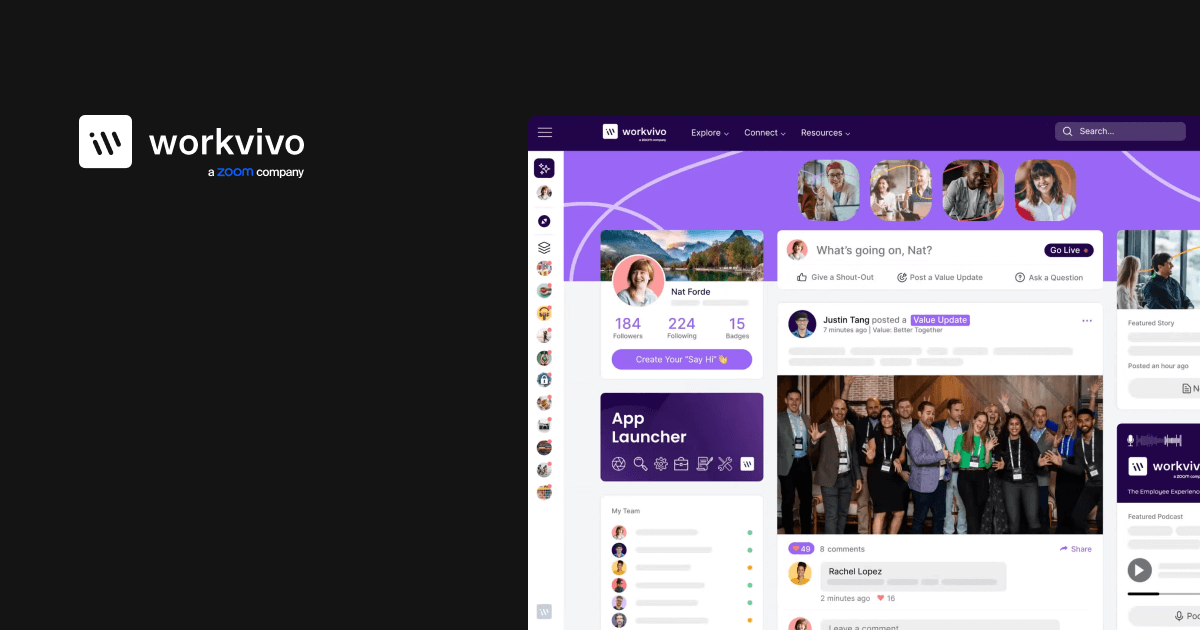
Workvivo is an all-in-one employee experience platform that brings together internal communication, engagement, recognition, intranet tools, and analytics into a single, seamless application.
Pros:
- Workvivo’s platform includes native collaboration features aimed at fostering community within organizations, positioning it as a more social alternative to traditional intranet tools.
According to The Forrester Wave 2026 report, “Its native collaboration capabilities, including Spaces for communities, provide strong social capabilities.” - Workvivo also includes employee-listening tools, giving organizations a way to gather feedback through surveys.
The Forrester Wave also states, “Workvivo provides a rich set of employee-listening options including surveys.”
Cons:
- While the platform is intuitive, its search function needs to be improved.
“While the social feed is great, the search functionality can sometimes be frustrating when trying to locate older, specific documents or static resources that aren’t news.” — DGM-Marketing, 2026 - Workvivo’s notification volume may feel overwhelming to employees who prefer to check updates in the app. This could reduce the impact of alerts internal comms teams want them to notice.
“I’m not entirely satisfied with the notification system in Workvivo. It’s a bit overwhelming to receive notifications every time someone follows or comments, especially since I open the app daily and prefer to check updates myself.” — SPS associate, 2026
Ideal for: Employee experience managers, internal comms teams, and organizations hosting frequent virtual town halls who rely on Zoom as their primary video platform.
9. Staffbase
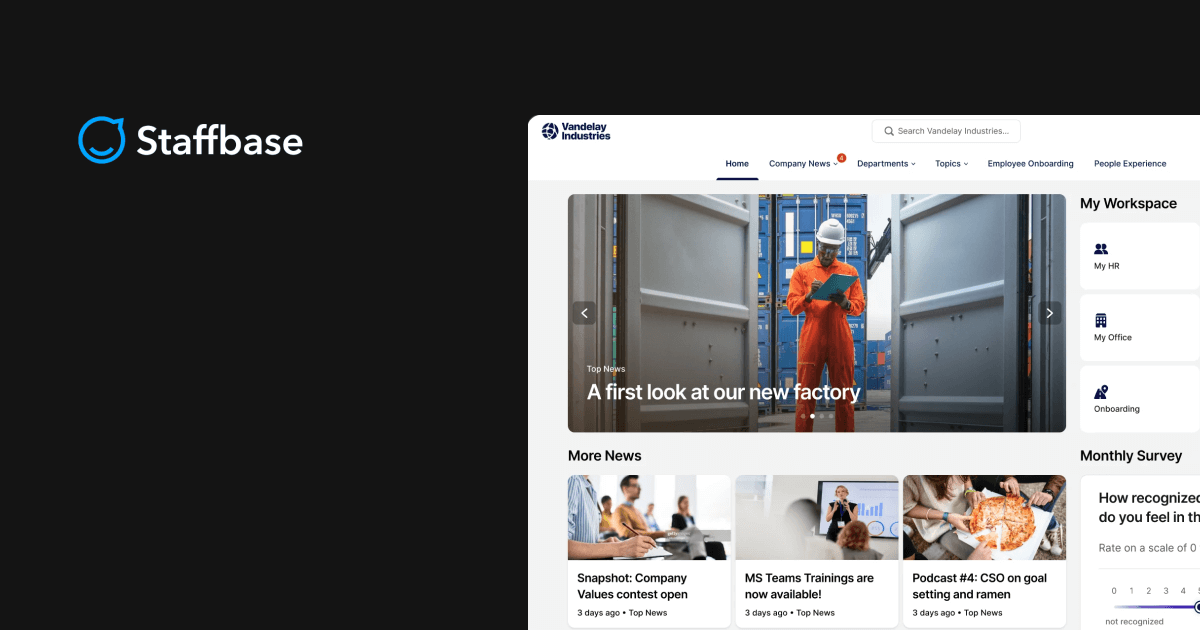
Staffbase is an employee communication platform that offers dynamic newsletter capabilities, robust mobile functionality, and seamless Microsoft 365 integrations, making it effective for organizations with distributed workforces.
Pros:
- The platform stands out for its communication capabilities, making it particularly effective for organizations prioritizing employee engagement.
According to The Forrester Wave 2026 report: “Internal communications is a strength for Staffbase. This includes an ability to build flexible audience segments for role- or region-specific communications.” - Staffbase can enhance organizational performance measurement by offering business-outcome-based metrics and dashboards that track intranet effectiveness beyond traditional engagement data.
According to the Gartner Critical Capabilities 2024 report: “Staffbase…enables administrators to create and track campaigns based on specific goals and metrics.”
Cons:
- While Staffbase is praised for its intranet capabilities, organizations seeking more immediate and comprehensive AI-powered capabilities may find the current offerings limited compared to leading vendors.
According to the 2025 Gartner Magic Quadrant for IPS report: “Organizations seeking more immediate and comprehensive AI-powered capabilities for employee services, work management and advanced data-driven optimization may find Staffbase’s current offerings a work in progress and immature overall.” - The platform may meet day-to-day reporting needs, but internal comms teams looking to explore performance data in more flexible ways may find its advanced analytics limited.
Customers in The Forrester Wave 2026 reported: “Reports and analytics are on par with others in this evaluation, but some advanced capabilities are lacking, such as using natural language AI prompts to generate reports or packaged benchmarks.”
Ideal for: Corporate communications professionals, newsletter managers, and enterprises with distributed workforces who prioritize multichannel campaigns (email, SMS, mobile) over intranet features.
10. Unily
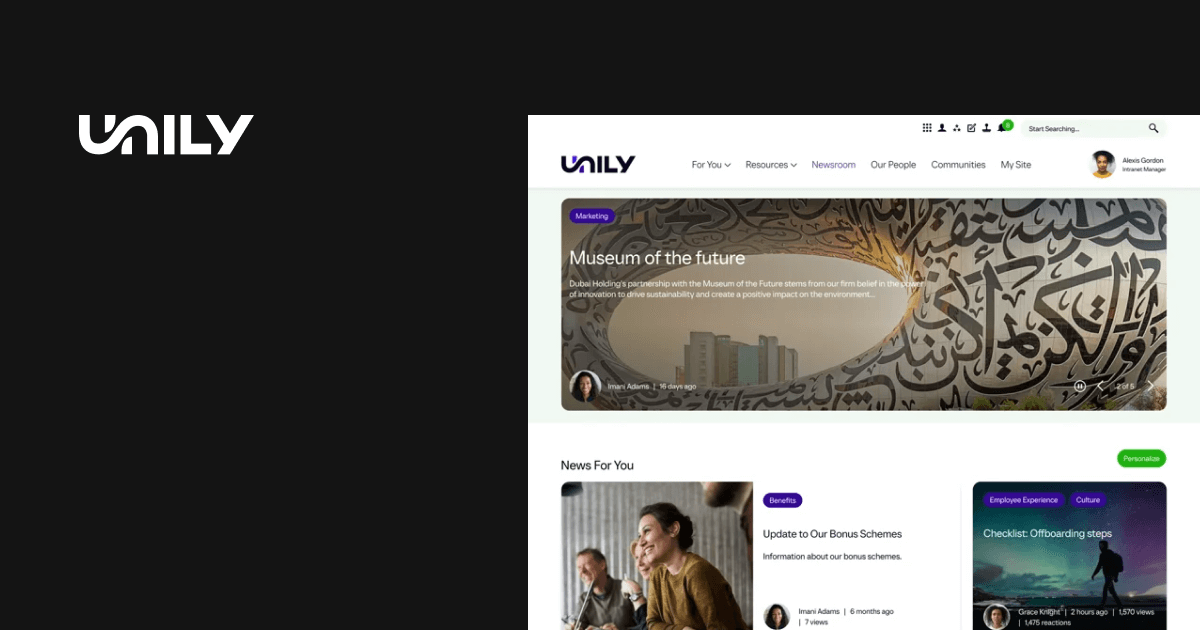
Unily is a comprehensive employee experience platform that combines intranet functionality with AI-powered features and social engagement tools. It offers multichannel communication via email, Microsoft Teams, and third-party apps, while providing marketing-grade automation features for complex, multichannel campaigns.
Pros:
- Unily has strong content management and templating capabilities, making it easier for internal communications teams to create, manage, and distribute content at scale.
According to the Gartner Critical Capabilities 2024 report: “Unily provides unique content types, such as FAQs, ideas, and surveys, which can form the basis of small yet numerous applications, all using consistent experiences.” - Large organizations often need to organize content across teams, locations, and roles. Unily’s content architecture supports that complexity while extending access to employees on mobile devices. Forrester notes:
“Unily’s architecture provides strong overall content repository and metadata capabilities along with strong support for mobile and the needs of frontline workers.”
Cons:
- Unily leverages strong resources and support for large-scale organizations, but has a limited presence across smaller organizations.
According to the Gartner Magic Quadrant 2025 report: “Smaller companies sometimes feel like they are not a sales priority. Organizations over 10,000 employees are more aligned with Unily’s efforts.” - Organizations that want AI assistants built into their intranet may need to evaluate and select those tools separately with Unily. That adds a decision for teams without an established AI strategy.
According to The Forrester Wave 2026 report: “Unily lags in its support for native AI assistants and agents, depending on customers to choose their preferred AI tools.”
Ideal for: Digital workplace leaders who want automation with social-feed style engagement platform.
11. LumApps
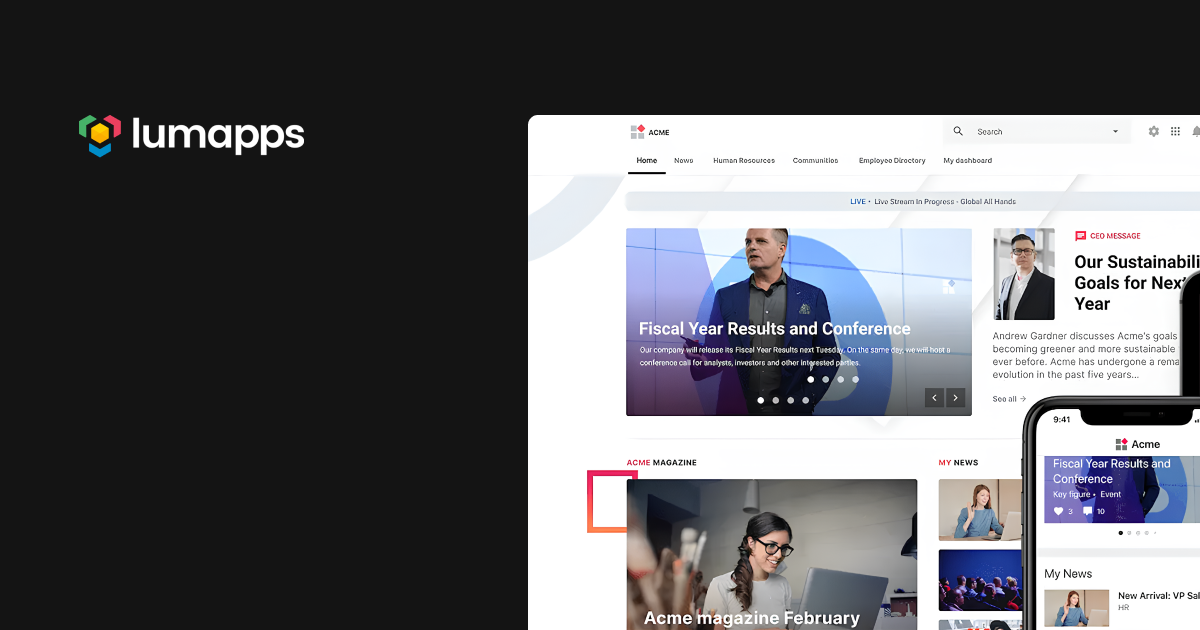
LumApps is an employee experience platform for office and frontline employees. Headquartered in France, it operates globally and serves customers that are typically large enterprises. Its AI-powered hub is available on desktop and mobile devices and includes tools for communication and productivity.
Pros:
- LumApps integrates with Google Workspace and Microsoft 365, which may help employees use the platform alongside tools they already work in.
“Impressed by how well LumApps integrates with ecosystems like Google Workspace and Microsoft 365, which makes it highly relevant for modern digital workplaces.” — Verified User in Financial Services, 2026 - LumApps helps employees find information across the tools they use, while giving admins a way to guide them toward approved resources.
Based on The Forrester Wave 2026 report: “LumApps provides federated search for integrated applications and offers AI-enhanced natural language queries via its Ask AI conversational engine.”
Cons:
- While customers value LumApps’ search and its ability to support multiple brands, internal comms teams may find campaign setup and report customization less straightforward.
According to The Forrester Wave, 2026 report: “Customers are happy with LumApps’ ability to serve the needs of multiple brands or lines of business as well as its search capabilities. They are concerned about the ease of setting up communication campaigns and customizing reports.”
Ideal for: Large enterprises that use Google Workspace or Microsoft 365.
12. Firstup
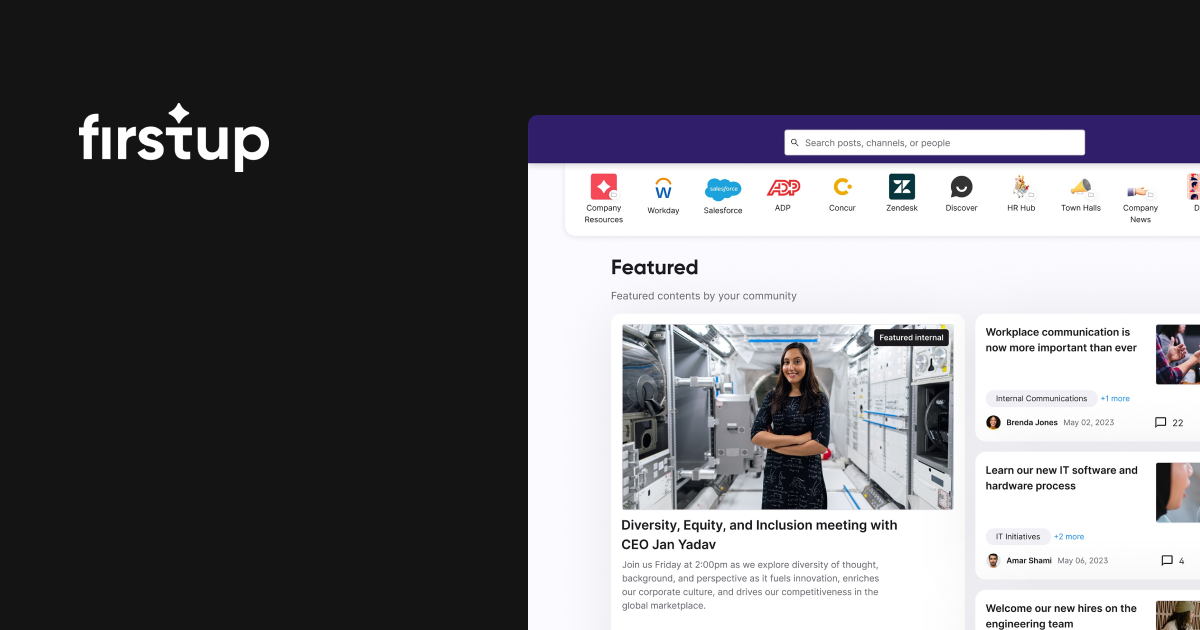
Firstup is an employee communications platform for organizations with office-based and frontline workers. It includes tools for planning multistep campaigns, managing editorial calendars, and publishing content. The platform also uses AI and machine learning to inform message timing, channel selection, and content analysis.
Pros:
- Comms teams often need to build campaigns that unfold across multiple steps and touchpoints. Firstup’s no-code logic lets teams design these campaigns and journeys directly, without relying on engineering.
Forrester notes its “no-code logic to design multistep campaigns and journeys, with editorial calendars to centralize planning.” - Firstup serves organizations with frontline employees, some of whom may not have work email. Mobile access is one way teams can reach those employees with company communications.
“It helps us reach our audience easily on mobile phones, which is the most effective way since not everybody in our company has email but everyone has the app, allowing easy access.” — G2 review, 2026
Cons:
- While Firstup offers a broad range of internal communications capabilities, organizations that need to connect it with other enterprise tools may find its packaged integrations limited.
The Forrester Wave analysts identified that “Firstup lags in the maturity of its developer resources, such as its developer portal. Its scope of packaged integrations for enterprise applications is also relatively narrow.”
Ideal for: Organizations focused on employee communications, particularly those with frontline workers to reach.
13. Haiilo
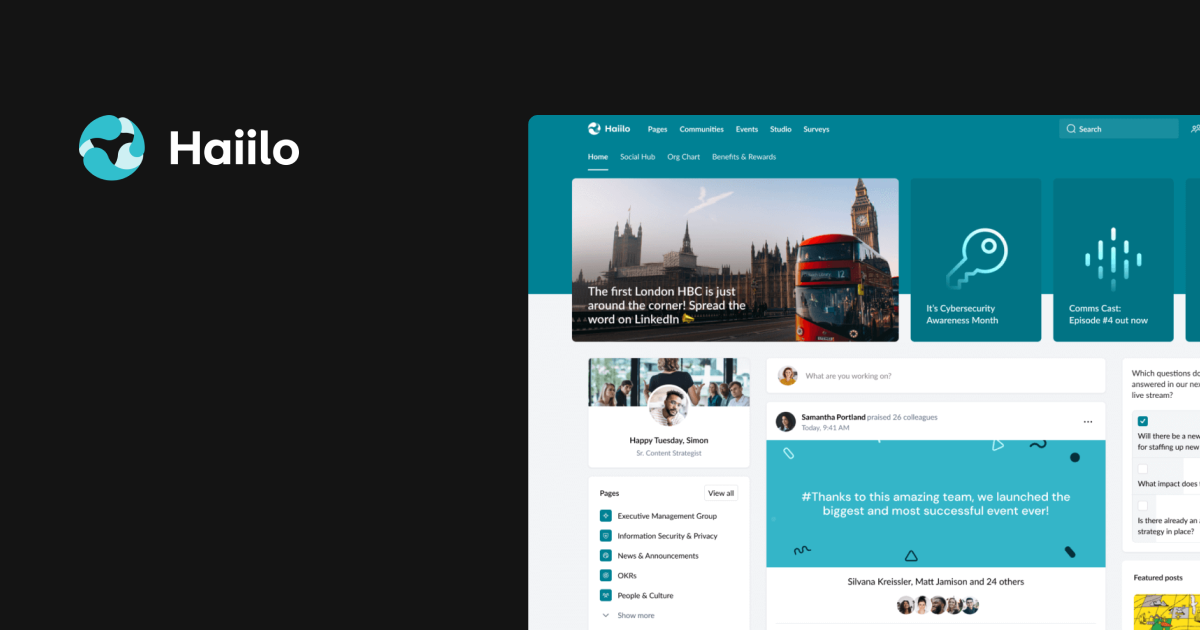
Haiilo is an employee experience platform that combines internal communications, knowledge, workplace tools, and AI features. It connects existing systems and supports updates across channels, including a mobile app for frontline employees. Teams can use its analytics to measure how employees engage with content.
Pro:
- For IT teams supporting an intranet, ease of use affects how much help employees need with everyday tasks. A user found Haiilo straightforward to navigate.
“The UI/UX experience is easy and self-explanatory, which is nice from a support perspective.” — IT Application Manager, 2026
Con:
- Keeping conversations consistent across devices is important for employees who work on the move. One reviewer reports problems with Haiilo’s chat when switching between mobile and desktop.
“I am quite dissatisfied with the chat of Haiilo. The synchronization between the app and the desktop version almost never works, and the performance is often unstable. Some important functions and features are missing, and new bugs constantly appear, which is really frustrating.” — CEO, 2026
Ideal for: Organizations with office and frontline employees that need an intranet and multiple channels.
How to choose the best internal communication tool
Once you have refined your internal communications strategy, the next step is selecting the right platform that meets your organization’s structure, goals, and governance needs.
Key selection metrics: What to evaluate
1. Ease of use
Choose a platform with an intuitive and simple interface that requires minimal training. Complex systems lead to poor adoption and employee frustration. Look for flexible page layouts and role-based personalization that keep the intranet clean, consistent, and scalable.
“We’ve used Simpplr as our intranet provider for a little over 3 years now and our employees love it! As the main intranet manager I find it really easy to work with and train other users on. The constant updates and features are a fantastic bonus – every new update brings a QOL feature I never knew I needed.” — Verified User in Computer Software, 2025
2. Integrations
Evaluate how well the platform connects with your existing tools — email, calendars, project management systems, HRIS, and collaboration tools like Slack or Teams. Strong integrations streamline workflows and reduce the need to switch between applications.
Faster deployment as Simpplr integrates with 200+ pre-built, low-code and no-code integrations to simplify HR, IT, and Internal Communications processes.
3. Analytics and reporting
Look for robust analytics that track engagement, message reach, content performance, and employee sentiment. Data-driven insights help you prove ROI, refine your strategy, and identify gaps in communication effectiveness.
“Simpplr customers expressed high levels of satisfaction with the competency of the platform’s AI features, including personalization support and intelligent search, and that the platform’s analytics supported an always-on feed of quarriable and actionable insights.” — IDC MarketScape for Integrated Employee Workspaces 2025
4. Mobile readiness
Ensure the platform offers a robust mobile app that works for frontline and remote employees. Mobile access is critical for workers without desk access or company email addresses.
Simpplr’s mobile app brings the full digital workplace experience in one place. Employees can access personalized news feeds, search for people and policies, find information or ask questions, and even recognize peers — all from their phones or tablets. The app optimizes mobile interactions, making it easy for frontline, hybrid, and remote employees.
5. Governance and security
Assess role-based access controls, content approval workflows, encryption standards, and compliance features. Organizations in regulated industries need platforms that support data privacy and governance requirements.
Simpplr provides enterprise-grade security designed to protect sensitive healthcare information. The platform meets stringent global compliance standards (ISO 27001, ISO 27701, SOC 2 Type 2, SOC 3, TRUSTe, and HIPAA) so that you can confidently share “must-read” updates and safety protocols across your organization.
6. Scalability
Choose a solution that can scale alongside your company. Look for software with flexible pricing plans and modular features that let you add or adjust components as needs evolve. This helps avoid frequent system changes, preventing disruptions and additional costs.
Built for organizations that value engagement, analytics, and governance. Simpplr’s pricing is based on organization size and requirements, with volume discounts for organizations with 500+ employees.
7. Support and resources
Evaluate vendor support quality, training resources, and implementation assistance. Strong customer success teams and active user communities accelerate adoption and help you maximize platform value.
Consider team size, communication complexity, and required features. For globally dispersed teams, look for software with multilingual support and real-time collaboration tools. Understanding these needs helps you select a solution that aligns with your operations.
Measuring success: Internal communication analytics & ROI
The disconnect between internal communication teams and employee engagement stems from a lack of visibility into what’s working. Without clear metrics, teams can’t identify which messages resonate, what content drives action, or where critical updates get ignored. The result is that organizations lose momentum on strategic initiatives while employees become increasingly disengaged.
Key metrics that drive communication success:
- Message reach and open rates: Track delivery rates across channels (email, mobile push, intranet) and monitor open rates by department or location. Identify patterns in when employees engage most. Use these metrics to optimize send times, refine audience segmentation, and ensure critical announcements reach their intended audience.
- Employee engagement and feedback participation: Monitor comment rates on posts, survey completion rates, poll participation, and reactions to content. Track engagement by employee segment to identify which groups are connected and which need more targeted outreach. Low participation signals opportunities to adjust tone, format, or relevance.
- Content performance and read time: Analyze which content types generate the most time-on-page, highest click-through rates, and repeat visits. Identify what employees actually read versus scroll past. Use these insights to prioritize content creation, identify knowledge gaps, and determine preferred formats (video, text, infographics, interactive).
- Employee sentiment and feedback loop metrics: Track sentiment through feedback tools, pulse surveys, and comment analysis. These metrics show not just whether messages were received, but how employees feel about them. Use sentiment data to ensure communications build trust and alignment.
With Simpplr AI-driven analytics, you can analyze engagement data with real-time listening insights to track engagement, sentiment, and impact.
See the essential features in action with Simpplr
Effective internal communication is essential for successful enterprises and engaged teams. The right internal communication platform ensures every message reaches the intended audience, enhancing productivity and a connected company culture.
Simpplr offers a comprehensive AI-powered employee experience platform to elevate your internal communications. It integrates seamlessly with your existing tools and provides real-time insights so you can keep employees informed and engaged. The platform unifies communications, increases engagement, and simplifies governance. Whether you’re modernizing your intranet or connecting a global workforce, Simpplr is designed to meet the unique needs of modern enterprises.
Request a personalized demo today to see how Simpplr can transform your internal communications strategy.
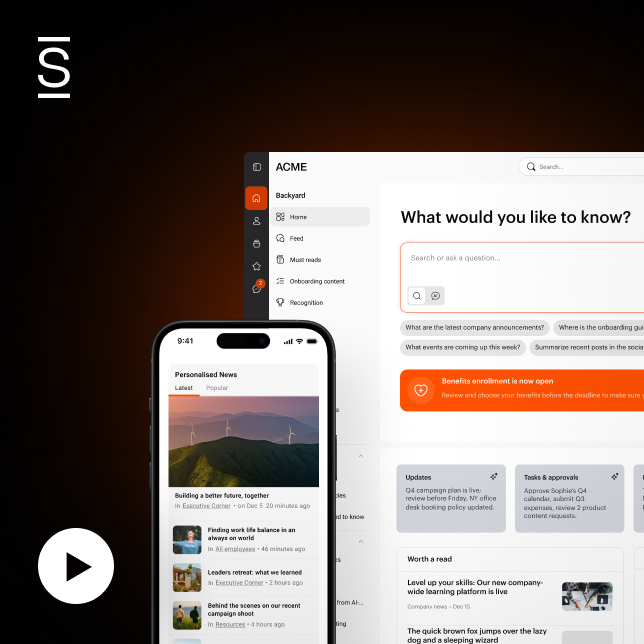
Watch a 5-minute demo
See how the Simpplr employee experience platform connects, engages and empowers your workforce.
- #1 Leader in the Gartner Magic Quadrant™
- 90%+ Employee adoption rate