



Secure your intranet from data breaches by safeguarding operational usage. These include identity and access management, permission governance, and integration control. AI access governance and operational readiness complete the list. Proactive controls across these areas stop permission drift and block unauthorized access before risks become breaches.
Intranet security best practices to prevent data breaches
Intranet security best practices to prevent data breaches
Ask an IT director what keeps them up, and you rarely hear the word hackers. You hear about a file. The one shared with a team that made sense at the time, and then the team kept growing, and nobody went back to look. Nobody did anything wrong.
While listing intranet security practices is straightforward, demonstrating compliance during a security review presents a much greater challenge—particularly when an AI assistant accesses underlying documents. This guide explores key intranet risks and practical ways to maintain platform security between reviews.
TL;DR
- Intranet risk grows when outdated permissions persist as employee roles change.
- External attacks go after employee credentials rather than the platform itself.
- AI cognitive search must verify permissions at query time to keep results secure.
- IT teams should review these five practice areas continuously after launch, alongside initial vendor evaluations.
- Fewer tools in the stack means fewer permission models to govern.

What are the most common intranet security risks?
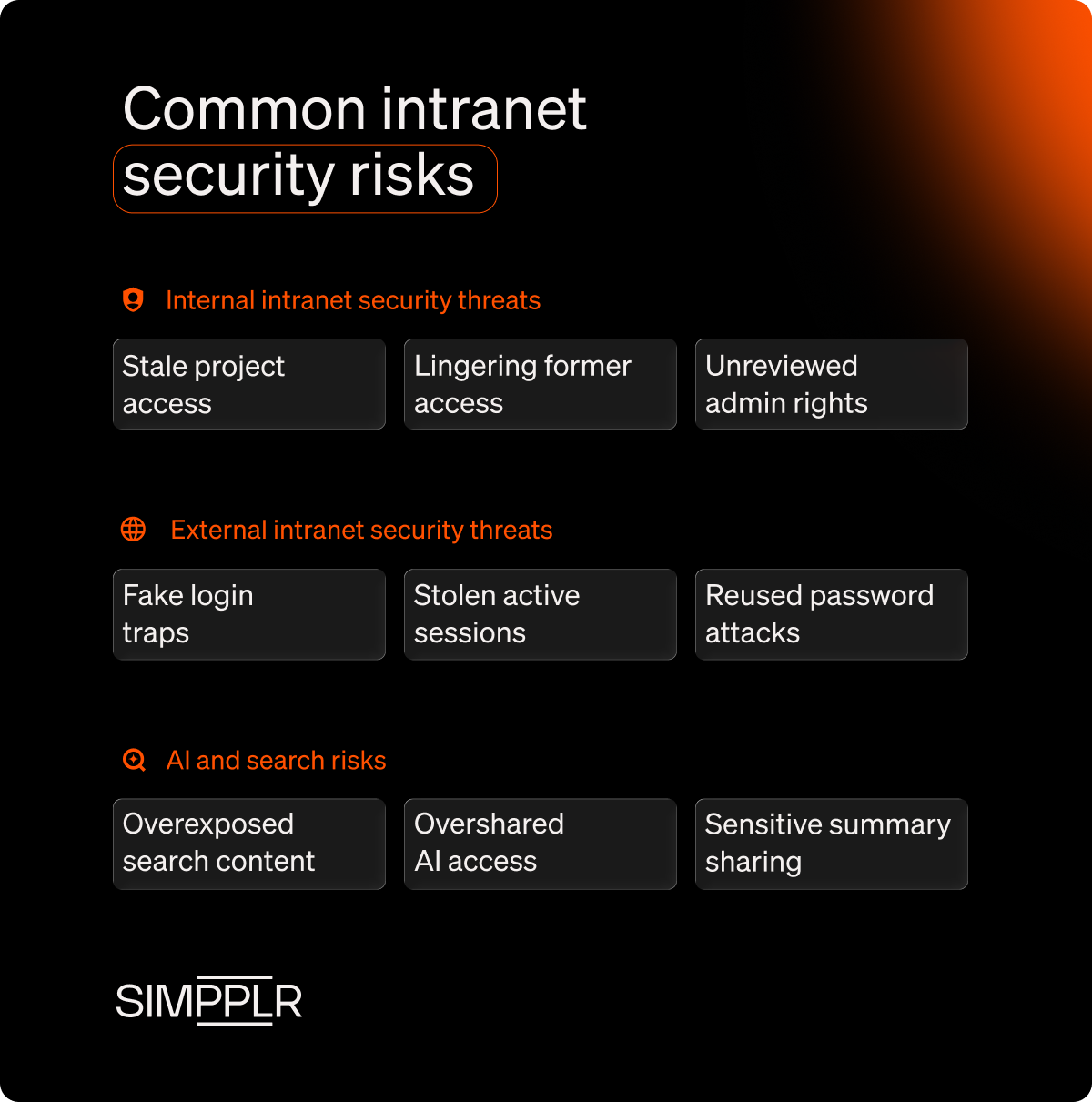
Most intranet security risks stem from internal permission drift, external credential attacks, and emerging AI search vulnerabilities. Left unchecked, routine access oversights in these areas quickly create significant organization-wide exposures.
1. Internal intranet security threats
Internal intranet security risks often do not come from malicious attempts by employees trying to harm the company. In most cases, they trace back to access granted for a good reason that outlived that reason and stayed active because nobody reviewed it.
Project access
When an employee joins a project, they get added to a private site. But when the project ends, their membership often stays active and follows them through their next few roles.
Departures
Exit interviews and offboarding usually revoke core access like email, but active sessions or misconfigured group memberships can still create security vulnerabilities. Contractor and guest accounts pose a similar risk when granted without strict end dates.
Admin sprawl
Publishing rights assigned at launch often remain active long after roles change. Similarly, sites set to companywide visibility for initial convenience are rarely audited, leaving broad access intact indefinitely.
2. External intranet security threats
External attacks rarely try to breach a modern intranet platform directly. Instead, they target user credentials through phishing, session hijacking, and credential stuffing.
Phishing
Attackers use fake intranet login pages to trick employees into entering their usernames and passwords because the page looks familiar.
Session hijacking
Stolen tokens let attackers access an active session in the corporate portal without a password. If an attacker steals a session cookie or authentication token, they may impersonate the user until the session expires or is revoked.
Credential stuffing
Automated bots test large volumes of stolen username-and-password pairs against company login pages. A successful match can expose an employee account and give attackers a foothold into internal content and connected work applications.
3. AI and search: the emerging intranet risks
AI agents and enterprise search change what intranet security has to cover. It’s no longer enough to control who can open a document. Teams also need to govern what an agent can find, combine, and share on someone’s behalf.
Because search and agents pull from many sites and connected apps at once, one loose permission can surface sensitive data in an answer. Without strong governance, every new integration adds risk.
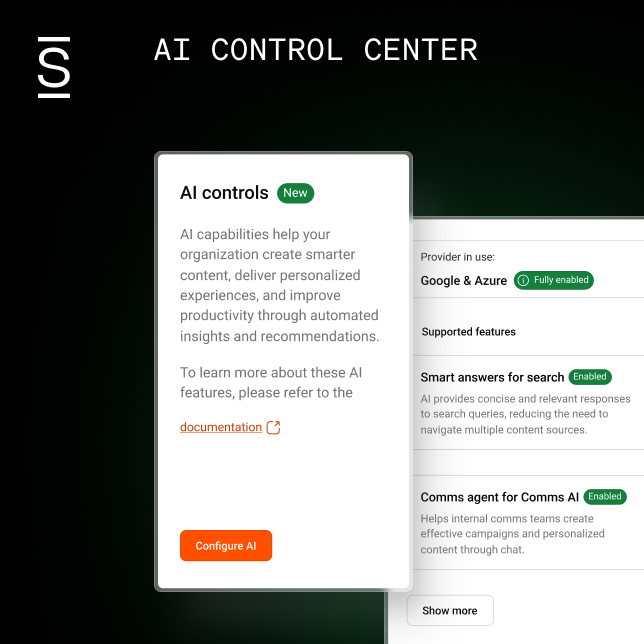
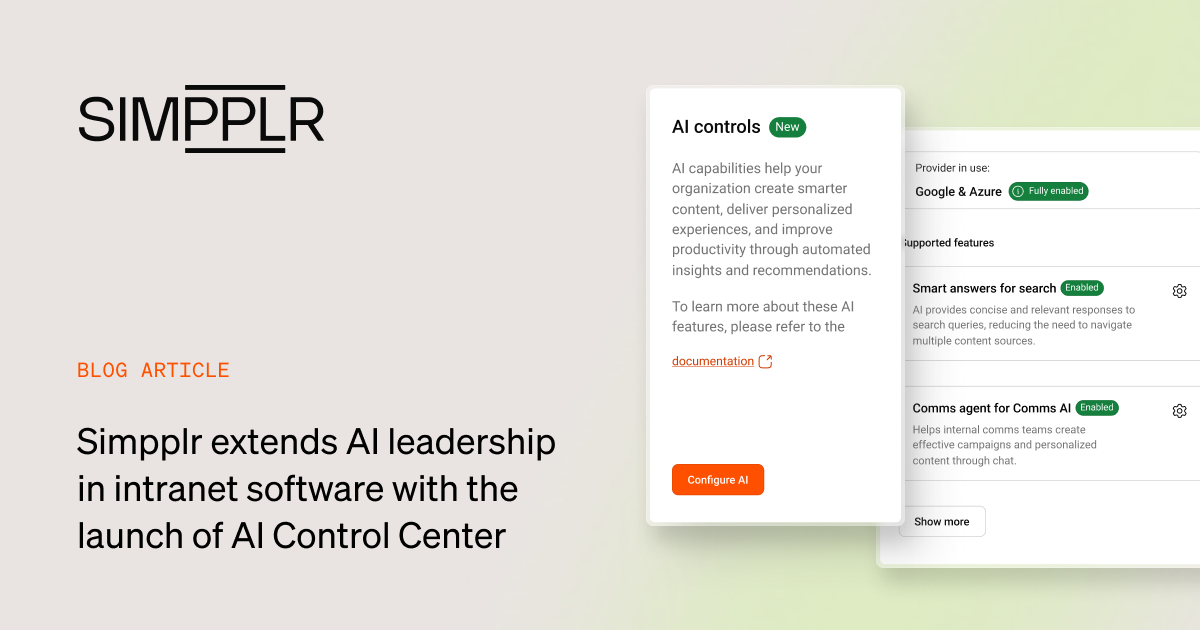
A central AI Control Center establishes clear standards for agent and search behavior. It lets administrators manage permissions by user and integration, ensuring every response strictly aligns with authorized access levels.

Intranet security best practices for IT teams
Global intranet security focuses on five key areas IT teams must configure and audit beyond vendor certifications. The following practices assume your platform is already live.
| Intranet security best practices | Security measures to take |
|---|---|
| Identity and access management |
|
| Permission governance |
|
| Integration and API surface |
|
| AI access governance |
|
| Operational readiness |
|
1. Tighten identity and access management
Combining single sign-on with multi-factor authentication stops weak password attacks and gives IT full control over session access. It gives one place to end a session remotely, one setting for session length, and one audit trail for login activity.
Role-based access control (RBAC)t, grants rights by job role instead of by person. Attribute-based access control extends that with conditions such as location, department, or clearance level, which suits organizations whose access rules already work that way.
Here are key identity and access management controls every IT team should verify:
- Enforcing MFA for human accounts and securing service accounts through rotation, strict scoping, and conditional access.
- Tying access permissions to identity provider groups rather than manual lists.
- Automating offboarding to immediately revoke access via your identity provider.
- Setting strict expiration dates for contractor and guest access from the start.
- Auditing administrative and site manager privileges on a recurring schedule.
Teams often assume intranet access deprovisioning happens automatically, but it frequently doesn’t. To test this, pick someone who left last quarter and check what access their account still retains today.
2. Govern permissions for content and users
Permission governance determines where content can be shared and who makes those decisions. Mapping inheritance is essential, as cross-posting a page from a private site to an open one can unintentionally expose it to a much broader audience.
Default intranet access settings shape security outcomes. Private-by-default site creation ensures each expansion is an intentional decision. Distributed content management demands the same rigor, requiring a specific, named approver rather than an assumed role to balance internal communications and risk.
Clear retention rules and regular site archiving finish out solid governance. Without fixed review dates, inactive sites and temporary guest passes stay open indefinitely. This gap between internal comms and IT leads to oversharing, which you can fix by naming one clear owner for each site.
3. Control the integration and API surface
A modern intranet connects to several systems, creating access paths that are easy to forget after setup. The most critical review happens after installation, when teams often accept default scopes and leave them unexamined.
Webhooks, bots, and service accounts often slip past access reviews because they operate without human accounts. Moreover, unmonitored shadow integrations created by team leaders can quickly expose sensitive data. Apply the same discipline that governs shadow AI: assign API keys to clear owners and enforce mandatory rotation schedules.
More than 6% of enterprise AI conversations contain sensitive data, and 47% run through personal identities rather than corporate ones.
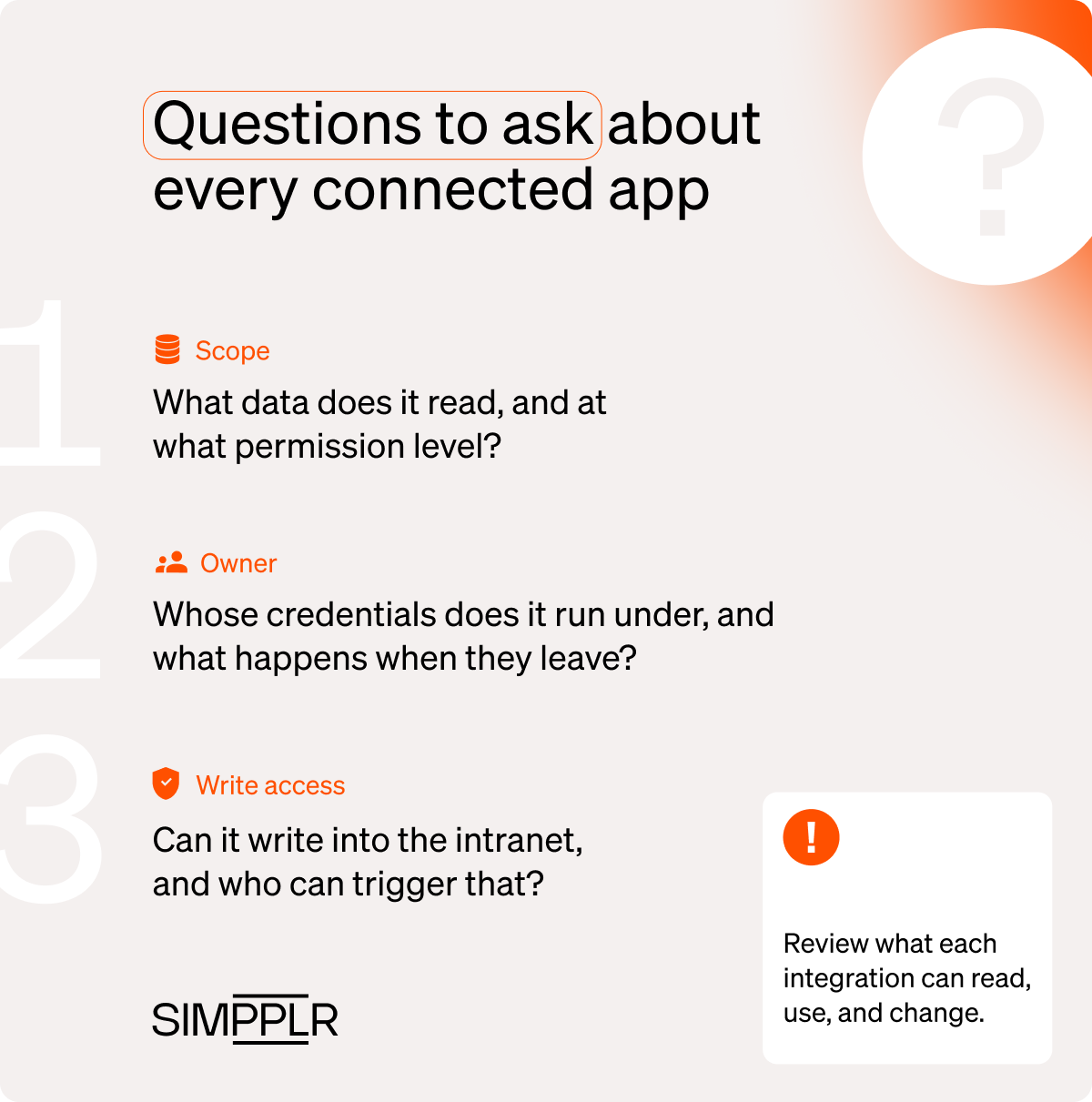
Questions to ask about every connected app
- What data does this integration read, and at what permission level?
- Whose credentials does it run under, and what happens when that person leaves?
- Does it write back into the intranet, and who can trigger that?
4. Govern AI access to intranet content
Permission-trimmed indexing for enterprise AI search is the core requirement here. An AI answer must respect the same access rules as opening the document directly, checked at query time rather than inherited from when the content was last indexed.
That distinction is what to probe with any vendor. Enterprise search raises the question directly: what does the index store, and does it enforce source-system permissions in real time when a user runs a query?
Query-time trimming still leaves a key risk. An AI agent platform for employee support and services can combine low-sensitivity details into a sensitive overview that single permission settings miss.
That vulnerability is why high-risk content, including HR files, pay data, and documents under legal hold, belongs outside the index entirely. Centralized IT governance over intranet AI keeps access rules, feature toggles, and audit logs in one place, while routine sampling of AI outputs catches what the rules miss.
5. Build operational readiness before you need it
Intranet readiness is the part an IT team owns outright, since no vendor can schedule an access review on its behalf. Quarterly for admin roles and semiannual for site permissions is a cadence teams tend to keep.
An incident runbook is essential because it assigns specific roles to clear owners, not broad teams. It outlines exactly who revokes access, handles communications, follows the escalation sequence, and contacts the vendor during an off-hours emergency.
During an incident, the intranet can be either compromised or can become your main crisis communication channel. Plan for both cases, including an out-of-band fallback. During the intranet security review process, check which logs your team actively monitors, and consult the security checklist for enterprise intranets for vendor backup standards.
Common intranet security mistakes to avoid
Organizations often assume vendor SOC 2 compliance covers internal governance, limit access reviews to offboarding, and train employees only on external phishing. These oversights leave critical gaps in day-to-day security, access control, and internal readiness.
1. Treating intranet security certification as coverage
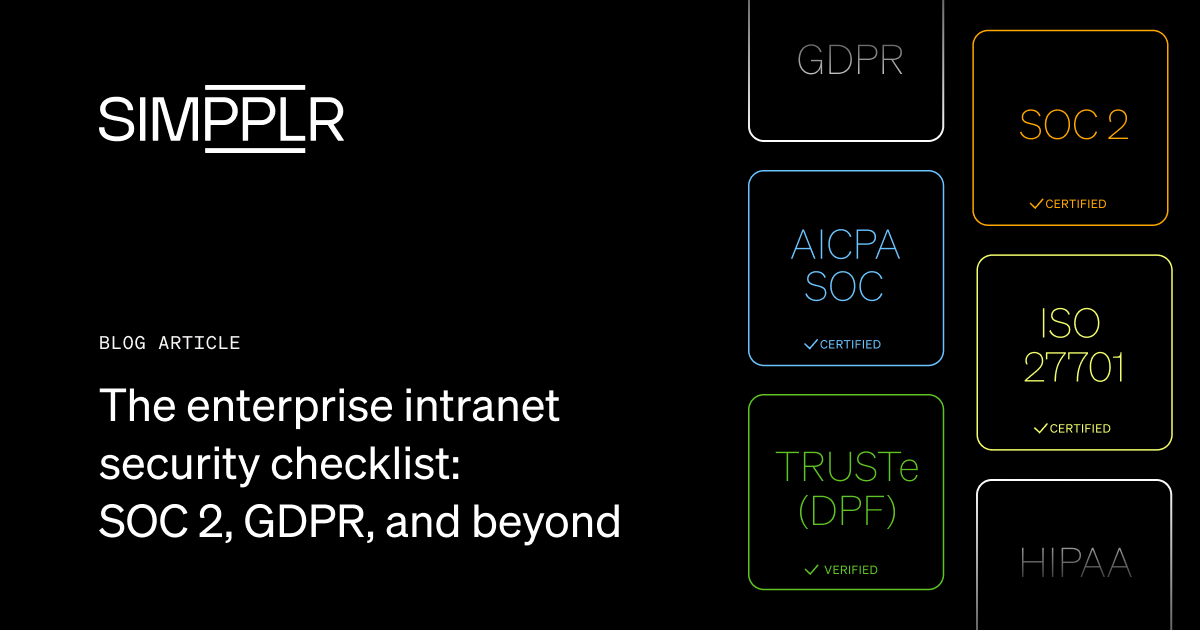
SOC 2 attests that controls were designed and operating as described over a period, but it does not guarantee that your intranet permissions are configured correctly. Because your team manages access settings, they fall outside the vendor’s audit scope.
Intranet security requires clear division of responsibility among stakeholders.
| Vendor responsibilities | Customer responsibilities |
|---|---|
|
|
Without explicit ownership, mid-tier operational controls, like access reviews and incident response roles, could be easily overlooked.
2. Reviewing access only when someone leaves
Offboarding addresses access when employees leave the company. It does not account for permissions they no longer need after a promotion, transfer, or completed project. Without regular reviews, employees can retain access tied to their previous responsibilities.
Instead of relying solely on HR triggers, run regular, calendar-driven reviews to evaluate permissions on a set schedule and prevent this drift. Pick a date, define a scope, and review existing access rather than recent changes to keep meetings concise.
3. Securing the intranet platform but not the behavior around it
Employees are likely to trust internal content more than external communications, making impersonation particularly effective. Employee security training that focuses solely on email phishing leaves this highly trusted channel vulnerable.
Three habits are worth teaching:
- Recognizing a fake login page: Identify unexpected layout shifts and unverified sign-in prompts.
- Verifying the intranet URL: Check the web address before submitting your login credentials.
- Promptly reporting suspicious internal messages: Flag unexpected requests to IT security immediately for investigation.
Because permissions and platform features evolve over time, continuous learning builds lasting intranet habits.
Reduce intranet risk with Simpplr
Keeping intranet access secure requires ongoing oversight. When permissions, integrations, and administrative controls are spread across separate tools, that work becomes harder to manage.
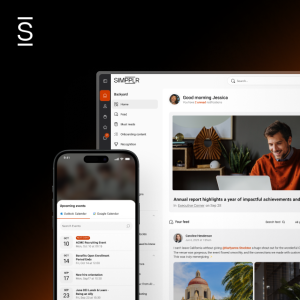
Simpplr is a modern intranet platform that brings enterprise search, video, newsletters, surveys, and recognition into one platform, helping reduce the overhead of managing separate systems.
Here is how the AI-powered intranet platform supports IT teams:
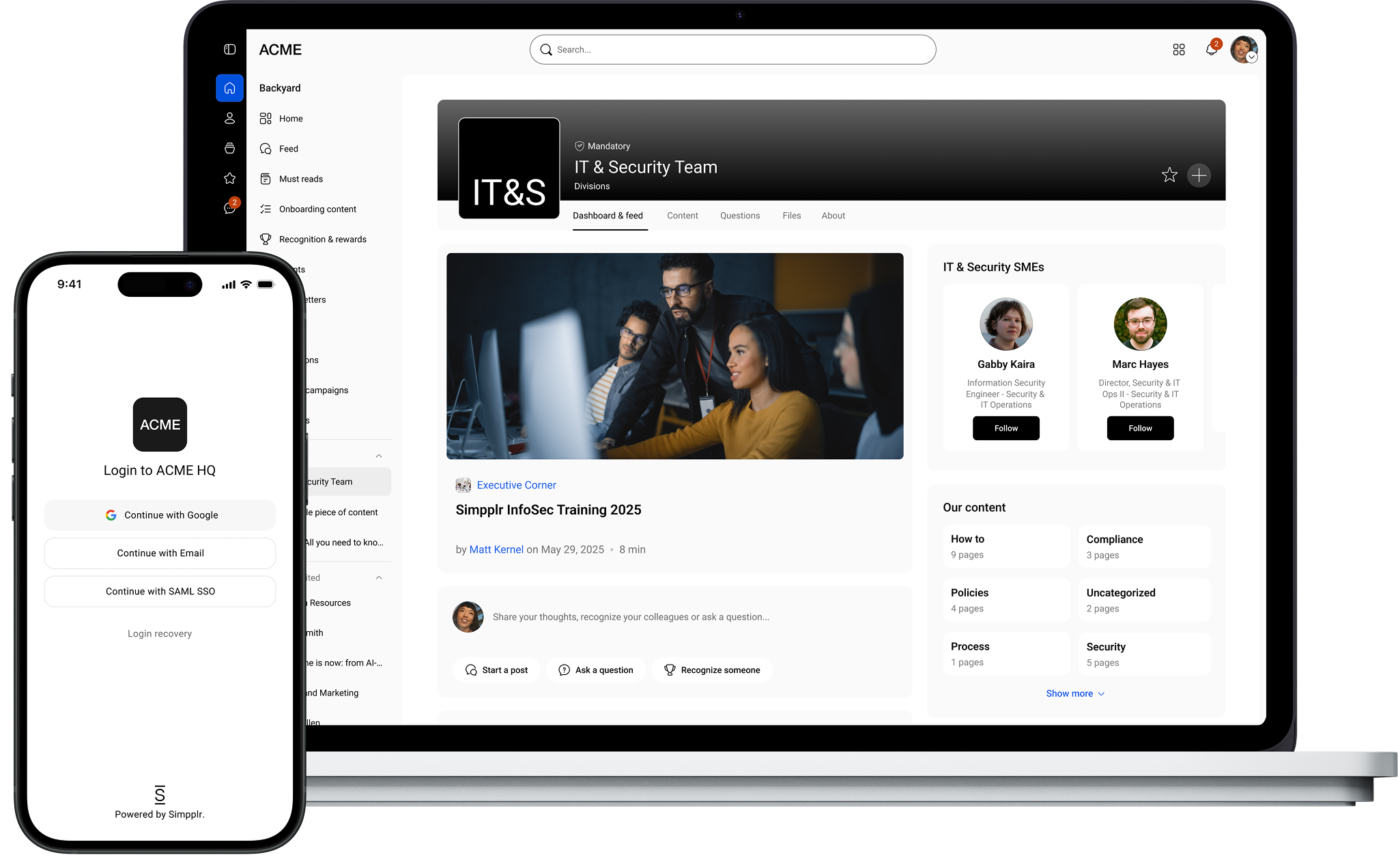
- Identity and access management: Sign-in runs through SAML 2.0 and OAuth/OIDC, with identity provider integrations for Okta, Entra ID, Ping, and others.
- Permission governance: Role-based access control defines administrator, application manager, and site manager roles, so publishing rights and access rights stay a single decision rather than two.
- AI access governance: IT manages intranet AI centrally through the AI Control Center. It includes which features are enabled, who can use them, and what activity gets logged.
- Vendor evidence: Certifications and audit reports live on the security and compliance page, and the enterprise intranet security checklist explains how to read them.
Learn how Simpplr handles permissions, audience controls, and AI governance on your own content. Request a demo today
Watch a 5-minute demo
See how the Simpplr employee experience platform connects, engages and empowers your workforce.
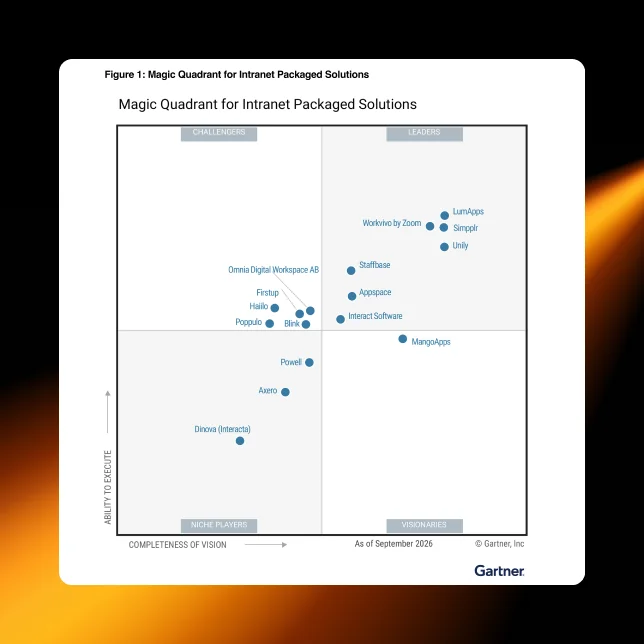
- #1 Leader in the Gartner Magic Quadrant™
- 90%+ Employee adoption rate