




The employee experience platform market is more competitive than ever, with numerous solutions claiming to transform your digital workplace. But which platform actually delivers comprehensive capabilities, and how do you choose the right one for your organization?

Employee Experience Solutions for 2026: Top AI-Powered Platforms Compare
Employee Experience Solutions for 2026: Top AI-Powered Platforms Compare
Finding the best employee experience platform isn’t just about features and pricing. The wrong choice locks you into years of workarounds and missed opportunities. The right platform transforms how your organization connects, engages, and empowers its workforce.
This guide compares leading employee experience platforms across communication, engagement, analytics, and HR alignment. You’ll find detailed evaluations, practical selection criteria, and honest assessments of each platform to help you make an informed decision. Simpplr focuses on the engagement and culture layer of employee experience — helping HR and IT leaders strengthen connection and communication across their organizations.
As you evaluate options, you’ll learn what distinguishes the most impressive employee experience platforms from limited alternatives and find the platform that best fits your organization’s needs and goals.
What is an employee experience platform?
An employee experience platform is a comprehensive digital workplace solution. It unifies communication, collaboration, knowledge management, engagement, and analytics all into one view, creating personalized experiences throughout the employee lifecycle.
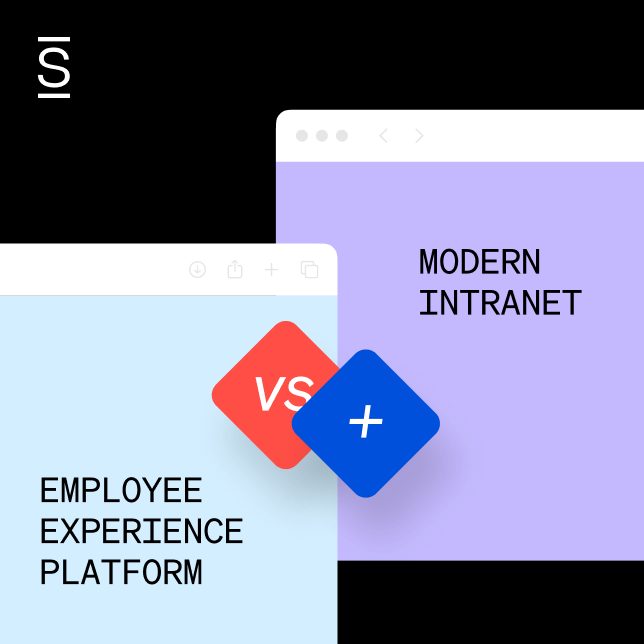
EXPs enhance your modern intranet. They build on your investment in centralized communication, document management, and team directories. With an added intelligence layer, you get personalized experiences, predictive insights, and seamless integrations. EXPs turn your intranet into the central hub of your employee experience.
EXPs act as the employee experience layer on top of HR tech. They support HR and People teams with onboarding and engagement initiatives. They complement HR systems like Workday or BambooHR by amplifying communication and culture. The best employee experience platforms connect these workflows seamlessly, reducing friction across your tech stack.
A true employee experience platform rests on six essential pillars. Miss any one of these, and you’re looking at a partial solution, not a comprehensive platform.
Here are the essential pillars to look for:
- Communications and targeted outreach: The right messages reach the right people
- Knowledge management and AI-driven search: Employees can find answers and information instantly
- Cross-functional collaboration: Teams connect across departments and locations
- Recognition and rewards: Employees stay motivated and valued through peer recognition and rewards programs
- Employee services and integrated-workflows: Streamlined HR help desk, IT ticketing, and self-service workflows
- Analytics and actionable insights: Data shows what’s working and what needs improvement
These core features form the foundation of every top employee experience platform. Now that we understand what makes an excellent employee experience platform, it becomes much easier to evaluate EXP vendors.
What to look for in an employee experience platform
The best employee experience platform transforms how your organization works. The wrong one creates more problems than it solves. Before diving into platform comparisons, consider these key factors that separate successful implementations from costly mistakes.
How to know what EXP features you need
Start with your biggest workplace challenges, not feature lists. Are employees struggling to find information? Is communication failing to reach frontline workers? Do you lack insights into employee sentiment?
Every legitimate EXP should deliver the six core pillars: targeted communications, AI-driven search, cross-functional collaboration, recognition, employee services, and actionable analytics.
Prioritize which capabilities matter most for your specific context:
- For distributed workforces: Mobile-friendly design, shift-aware access and preferences become critical
- For global organizations: Multilanguage support and regional compliance are essential
- For rapid-growth companies: Scalability and easy user onboarding prevent future headaches
Match platform strengths to your priorities, not the longest feature list.
Ensure your EXP complements your HR tech stack
The best employee experience tools work with your existing HR systems—not against them. Your EXP should integrate seamlessly with platforms like Workday, BambooHR, or SuccessFactors to create a unified experience.
Look for robust, pre-built integrations rather than custom development requirements. Platforms with out-of-the-box integrations eliminate months of technical work. Your employees shouldn’t need to switch between multiple apps to complete simple tasks.
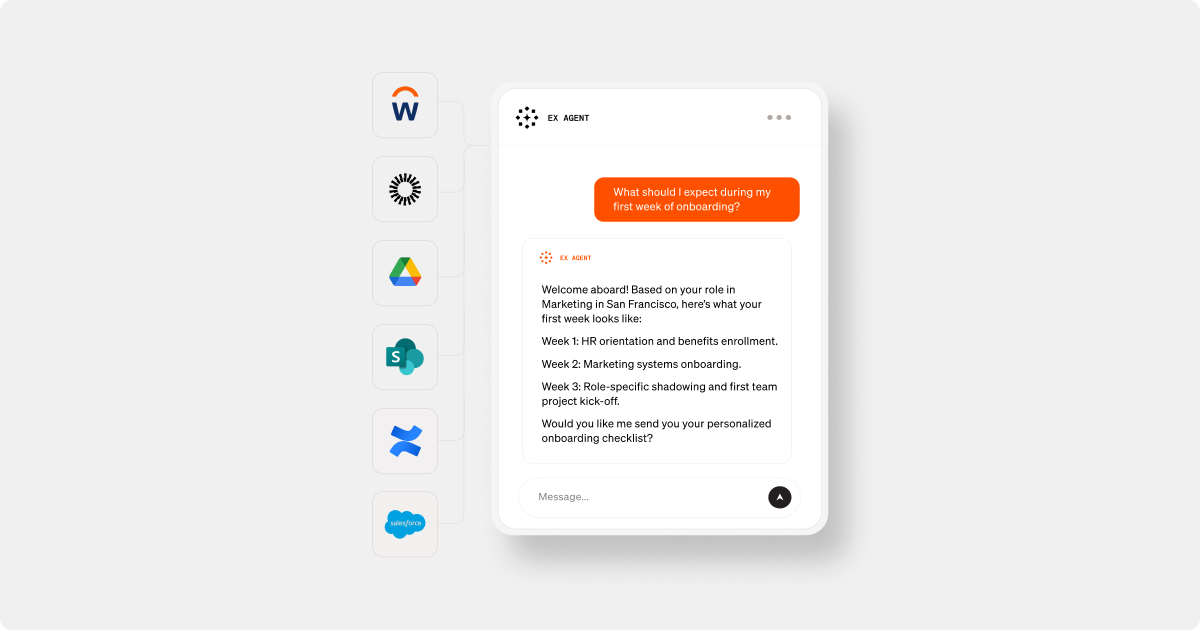
For IT teams managing integrations and governance, prioritize platforms that connect HR workflows with collaboration tools and service enablement systems. The goal? Reduce app-switching while maintaining security and compliance. Your EXP should act as the connective layer across your entire tech ecosystem, not create another silo.
Consider build vs. buy approaches when evaluating costs
Build-your-own solutions using platforms like SharePoint often appear cheaper upfront but require ongoing technical maintenance, custom development, and dedicated IT resources. Factor these hidden costs into your total cost of ownership calculations.
Budget for success, not just software. Consider migration, rollout, and training costs alongside long-term maintenance requirements. The cheapest option often becomes the most expensive when adoption fails or capabilities fall short.
Customer support and feedback
Implementation support can determine platform success more than features. Look for vendors offering dedicated customer success teams, comprehensive training resources, and proven change management guidance so that your investment in the platform is put to good use.
The best platforms don’t just provide software — they become strategic partners in your employee experience transformation.
Top employee experience platforms 2026 compared
We evaluated dozens of platforms using the criteria above. Only ten made the cut as true employee experience platforms that deliver all six core pillars with meaningful depth.
| Platform | Key differentiators | Best for | Pricing | G2 rating |
|---|---|---|---|---|
| Simpplr | Built-in AI extensibility, governance, and search for scale, 200+ OOTB integrations, complete EX platform | Enterprise and mid-market orgs seeking comprehensive EX capabilities, extensibility, and rapid deployment | Custom quote (volume discounts for 500+) | 4.6/5 |
| Microsoft Viva | Native Microsoft 365 integration with modular deployment, but requires layering multiple apps with separate costs and admin burden outside Microsoft ecosystem | Organizations already embedded in Microsoft 365 with dedicated resources to maintain and deploy multiple modules effectively | Tiered pricing model from $2 to $12/user/month | 4.5/5 |
| Unily | Highly customizable SharePoint-based platform supporting 40+ languages, but requires dedicated development teams and lacks enterprise search capabilities | Large global enterprises with complex needs and dedicated development teams prepared for ongoing customization maintenance | Custom quote | 4.5/5 |
| Interact | Comms-driven with basic content management, customizable, multilingual translation (60+ languages) but slow support response times | Mid-market organizations in healthcare and financial services | Custom quote | 4.5/5 |
| LumApps | Google Workspace partner, custom development and allows for extensive branding but lacks AI-led personalization and governance capabilities at scale | Google-centric enterprises with global operations requiring extensive visual customization over functionality | Custom quote (discounts for 2,000+) | 4.4/5 |
| Workvivo by Zoom | Social-first engagement with podcast creation, but lacks content governance and search capabilities critical for productivity | Organizations prioritizing culture building and engagement over unified employee experience and task management | Custom quote | 4.8/5 |
| Staffbase | Strong targeting and multichannel communication and delivery, modular approach with Microsoft 365 integration, but limited in collaborative and knowledge management features | Enterprises with substantial communication budgets seeking broadcast-focused solutions over comprehensive EXP | Modular pricing | 4.6/5 |
| Blink | Mobile-first design with post categorization, but offers limited analytics and enterprise features for complex organizational needs | Small to medium businesses with frontline workers seeking simple communication tools over comprehensive platforms | $4.50+/user /month | 4.6/5 |
| Firstup | AI-powered campaign orchestration with intelligent delivery, but remains fundamentally rooted in communications rather than full intranet experience | Large enterprises needing sophisticated communication automation over comprehensive employee experience capabilities | Custom quote | 4.4/5 |
| Happeo | Lightweight and flexible AI-powered intranet with Google Workspace integration, federated search across Google services, but lacks content governance, structured workflows and content lifecycle management required for enterprises or regulated organizations | Organizations embedded in Google Workspace seeking enhanced internal communication and knowledge sharing over comprehensive EX capabilities | Custom quote | 4.5/5 |
The detailed reviews that follow will help you understand which platform best matches your organization’s specific needs and priorities.
1. Simpplr — The #1 employee experience platform
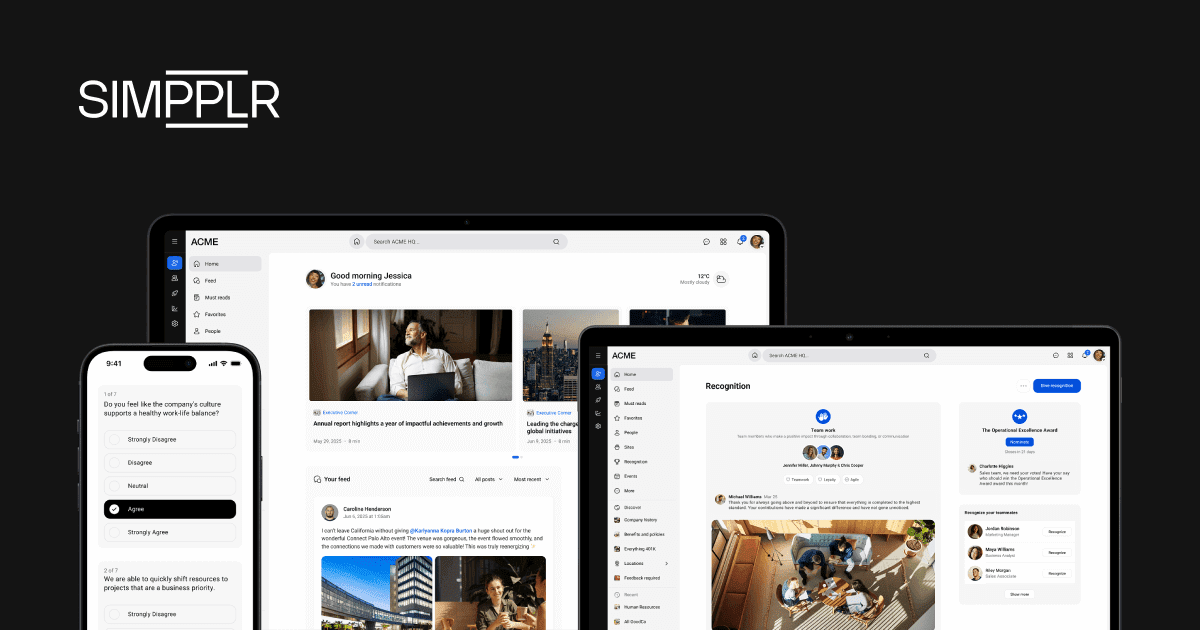
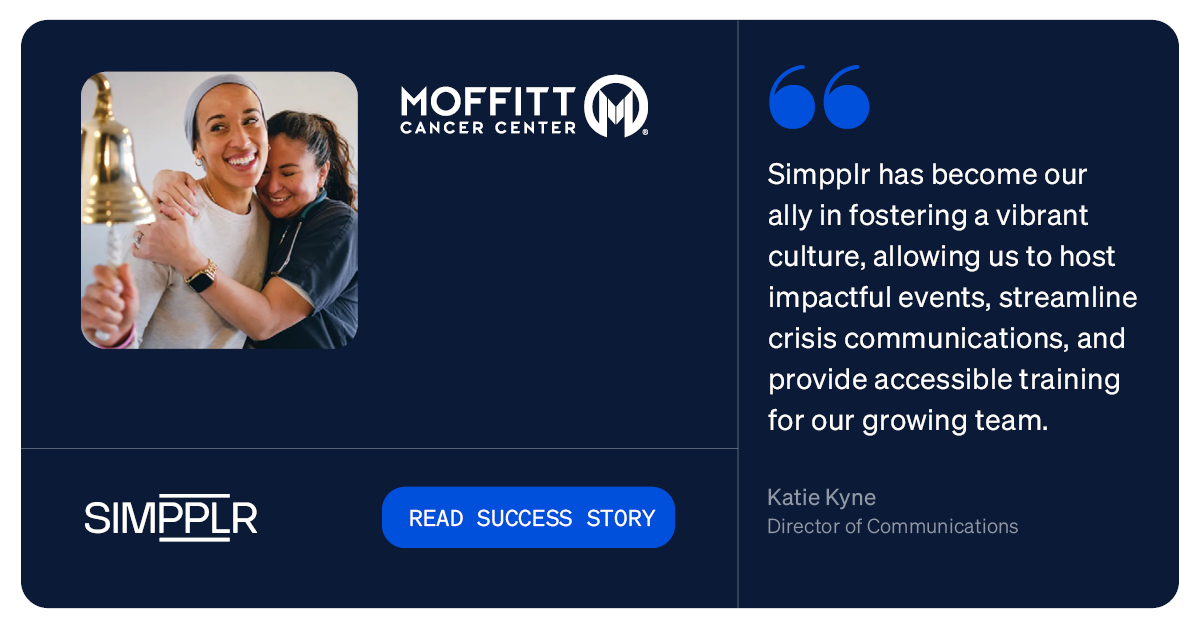
Simpplr is the AI-powered platform that unifies the digital workplace – bringing together engagement, enablement, and services to transform the employee experience. Combining modern intranet capabilities with AI intelligent automation and employee sentiment insights, Simpplr empowers employees wherever they work, while integrating seamlessly into existing tech stacks.
Simpplr emphasizes the engagement and cultural aspects of employee experience, helping HR and IT leaders in improving communication and connection within their organizations. Purpose-built for simplicity and scale, it delivers rapid deployment, low-to-no-code administration, and built-in governance. For organizations seeking comprehensive EX capabilities with the fastest time-to-value, Simpplr eliminates the complexity of build-heavy alternatives.
Simpplr top features and capabilities:
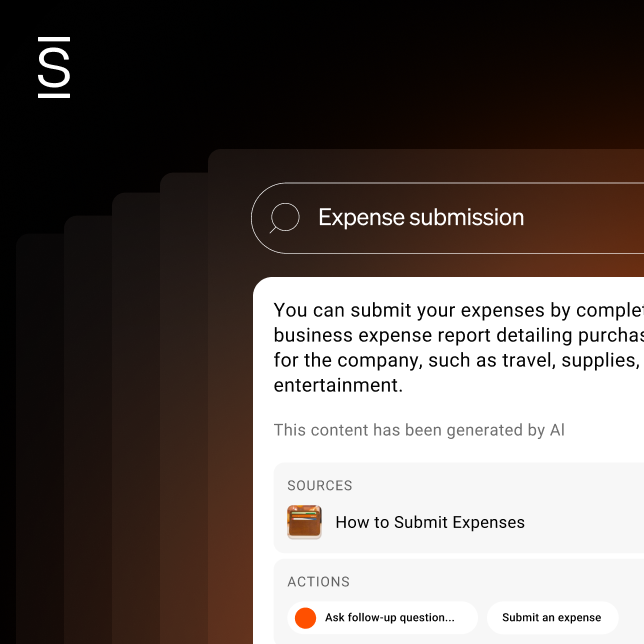
- AI-powered content and search: AI search automatically keeps information fresh and lets employees ask questions in natural language to get instant answers from all connected systems
- Extensive, seamless integrations: Connects with 200+ HR and business tools so employees can complete tasks, launch workflows, and access services directly within the platform
- Rapid deployment: Accelerates time-to-value with proven rollout approach (typically eight weeks for SMBs and 16 for enterprises) using prebuilt templates
- Mobile-friendly experience: Native app experience designed for frontline workers and distributed teams delivers a seamless, intuitive experience across devices
- Comprehensive analytics: Real-time sentiment analysis, engagement tracking, and predictive insights for strategic decision-making
Simpplr reviews and ratings
Gartner: 4.6/5
G2: 4.6/5
Capterra: 4.8/5
Software Advice: 4.8/5
GetApp: 4.8/5
Simpplr pricing
Custom pricing based on organization size and requirements, with volume discounts for organizations with 500+ employees. Get a quote.
Simpplr pros and cons
Pros:
- AI-driven personalization and analytics dashboards provide automated content governance and predictive insights at scale
- Flexible branding and page layouts built for scalability across complex organizational structures
- Enables employees to take action and complete tasks without app-switching with built-in agentic AI workflows
- Seamless integrations and workflow-builders with IT and HR systems like Workday or BambooHR through 200+ pre-built connections
- Rapid deployment with zero implementation failures, customers like Pluralsight migrating in under 30 days
- Enterprise-grade security with SOC 2 Type II, ISO 27001, TRUSTe verification, and HIPAA compliance
Cons:
- Enterprise-focused solution may be too advanced for small businesses
- While highly configurable, businesses that want a fully customizable platform may find it limiting
Who should choose Simpplr
Simpplr is best for enterprise and mid-market organizations (1,000+ employees) seeking comprehensive digital workplace transformation with proven ROI. It serves HR and Comms leaders focused on culture, engagement, and connection, while providing IT teams with robust governance and integration capabilities.
Organizations consolidating employee experience tools to reduce app-switching, minimize technical dependencies, and boost employee productivity through AI-powered automation will find the strongest fit with Simpplr’s unified platform approach.
2. Microsoft Viva
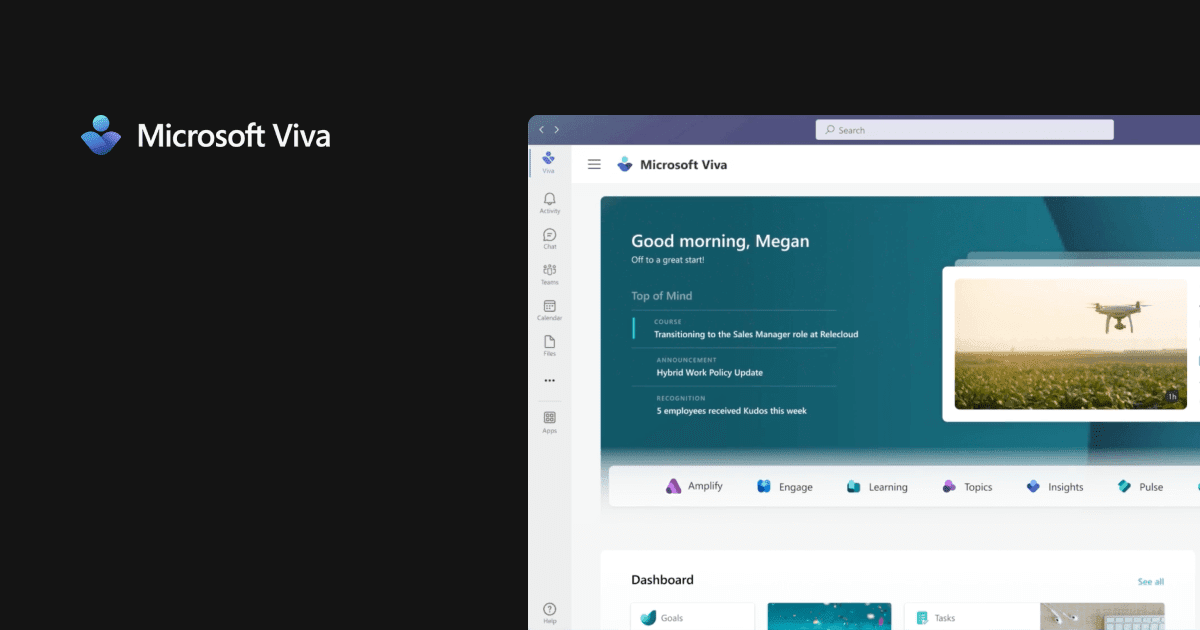
Microsoft Viva is an employee experience platform that delivers insights, learning, and communication tools. It is built natively within Microsoft 365 and Teams. Designed with remote and hybrid working in mind, it leverages existing Microsoft infrastructure through four separate applications: Viva Connections (personalized dashboard), Viva Topics (knowledge discovery), Viva Insights (productivity and wellbeing), and Viva Learning (integrated training platform).
While Viva offers a modular approach, achieving comprehensive EXP capabilities requires layering multiple apps. Each module comes with separate cost structures and administrative overhead. Viva delivers primary value for organizations already embedded in Microsoft 365. Outside that ecosystem, capabilities diminish significantly compared to purpose-built platforms like Simpplr.
Microsoft Viva top features and capabilities
- Enhanced communications: Premium community experiences, crowdsourced knowledge, multi-channel campaign management through Viva Engage and Viva Amplify
- Advanced analytics and feedback: Organizational insights, custom survey tools, employee pulse surveys, and AI adoption measurement through Viva Insights, Glint, and Pulse
- Integrated learning platform: Learning recommendations, tracking, and partner integrations (Coursera, SAP SuccessFactors) with AI-generated insights via Copilot
- Modular deployment: Each application can be implemented separately based on organizational needs and existing Microsoft licensing
Microsoft Viva reviews
Gartner: 4.4/5
G2: 4.5/5
“With Microsoft Viva, we not only benefit from amazing employee communication/ engagement but it also makes teamwork a breeze. Learning and achieving work goals is always easy with Microsoft Viva.” – verified customer testimonial on Gartner
Microsoft Viva pricing
Microsoft Viva offers a mix of basic features like Viva Connections, basic insights, and learning access already included in Microsoft 365 enterprise plans. However, more advanced capabilities such as enhanced employee communications, workplace analytics, and feedback tools come as separate add-ons, each with their own costs.
Microsoft Viva pros and cons
Pros:
- Works entirely within familiar Teams and Microsoft 365 environment
- Facilitates knowledge sharing and unified Microsoft UX among team members
- Modular approach allows gradual adoption based on organizational readiness and licensing
- Enterprise compliance and data governance capabilities
Cons:
- Limited value outside Microsoft ecosystem environments
- Tiered pricing structure means full EXP capabilities require $12/user/month on top of existing Microsoft 365 costs
- Advanced analytics and feedback features require separate $6/user/month tier, not included in basic offering
Who should choose Microsoft Viva
Microsoft Viva is best for organizations already deeply embedded in Microsoft 365 (1,000+ employees) with strong Teams adoption and dedicated resources to maintain and deploy multiple modules effectively. For IT teams managing integrations and governance within the Microsoft ecosystem, Viva offers familiar interfaces and enterprise security. For organizations seeking unified, out-of-the-box employee experience capabilities may face integration challenges and the total cost can rise significantly.
3. Unily
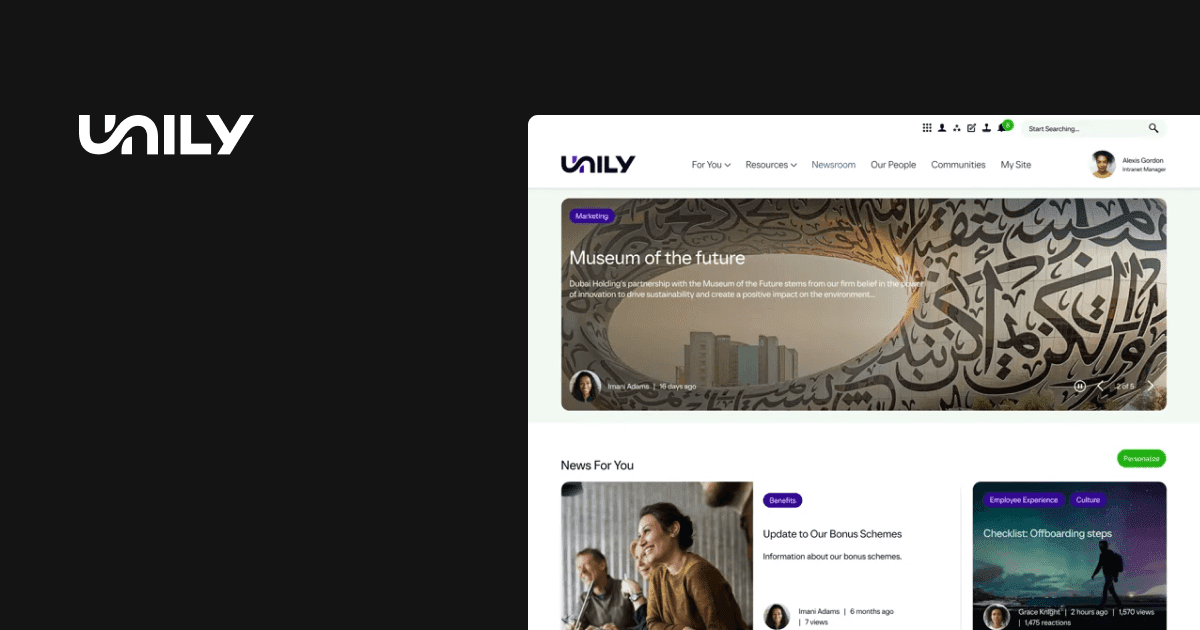
Unily is a workplace collaboration and employee experience platform with an AI-powered intranet, social feed, communication, and recognition tools. It serves as a centralized hub for global businesses with its companywide information and cross-department collaboration features. Built on SharePoint, Unily delivers flexibility for dev-heavy organizations — but that customization comes with complexity and long-term maintenance requirements.
Unily top features and capabilities
- Highly customizable SharePoint platform: Built on top of SharePoint with extensive customization options for enterprises with dedicated development teams
- AI-powered content management: Create, schedule, and publish content using AI for recommendations, summaries, and multilanguage translation with drag-and-drop editing tools
- Advanced communication campaigns: Specialized dashboards and reporting for internal communication leaders with automated content governance and repeatable employee journeys
Unily ratings and reviews
Gartner: 4.6/5
G2: 4.5/5
“Unily intranets strike a perfect balance between the needs of end-user employees; the needs of the communications and IT teams that manage the platform; and the needs of company leadership” – verified user review on Gartner
Unily pricing
Offers custom quotes based on organization size and module requirements. No pricing transparency available on the website, requiring sales engagement for specific costs.
Unily pros and cons
Pros:
- Extreme customization capabilities for enterprises with unique requirements and dedicated development resources
- Strong communication campaign management features with multi-language support (40+ languages)
- Offers third-party integrations and APIs for customization
Cons:
- Requires significant time and resources with dedicated intranet team for building, implementing, and maintaining customizations
- Every new piece of content requires manual tagging and specialized metadata to preserve search functionality
- Search results lack prioritization surfacing everything related
- Mobile app struggles to help reach frontline and deskless workers effectively
- Analytics dashboards must be downloaded via feature store and are not as actionable as built-in solutions
Who should choose Unily
Large global enterprises (5,000+ employees) with complex organizational structures requiring multi-brand governance and sophisticated customization capabilities. Organizations with dedicated development teams prepared to invest significant time and resources in continuous platform customization may find it a good fit. Companies prioritizing extreme flexibility over out-of-the-box functionality, willing to manage heavy hands-on work for ongoing platform optimization can consider Unily.
4. Interact
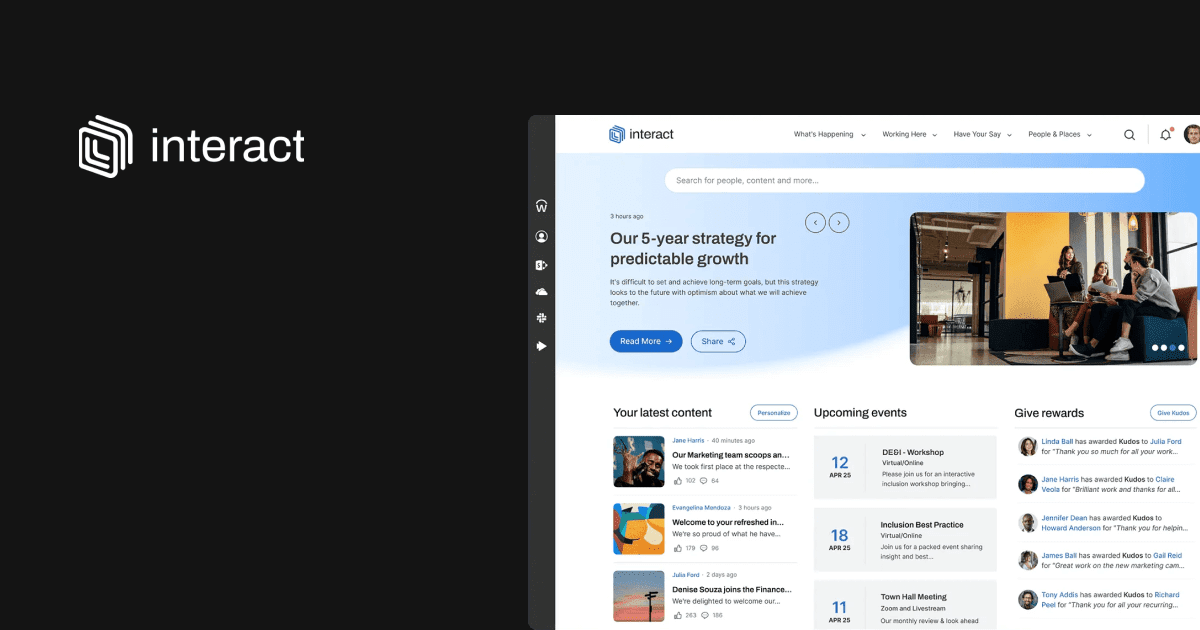
Interact is a comprehensive employee experience solution focused on improving internal communication and collaboration with AI-powered search and personalized content. It offers user-friendly content management and social features, helping organizations create a central digital workplace.
While Interact provides strong intranet capabilities—particularly for organizations focused on internal communications—it offers limited support for broader employee experience needs like task enablement and low/no-code extensibility, which can introduce challenges as organizations scale.
Interact top features and capabilities
- AI-powered content creation: Easy-to-use content editor with AI inclusivity checker and Auto-Engage feature that learns optimal timing for maximum communication impact
- Multichannel distribution: Digital signage and native mobile apps controlled directly from the intranet that connect employers with deskless workers
- Advanced search capabilities: AI-powered search connects with all data and content, giving employees fast access to everything needed for their jobs
- Native integrations: Out-of-the-box connections with Microsoft 365, Concur, ServiceNow, Salesforce, Google Workspace, Workday, and Box
- Global accessibility: Instant translation into over 60 languages with comprehensive analytics and reporting for intranet performance insights
Interact reviews and ratings
Gartner: 4.5/5
G2: 4.5/5
“The platform has proven to be a solid and reliable tool for improving communication and engagement at my company. I really like it because it was very easy for me to navigate the platform and access all the information I needed” – verified customer review on Software Advice
Interact pricing
Offers custom quotes available based on organization size and requirements.
Interact pros and cons
Pros:
- Offers content authoring tools with template-driven editorial experience that supports accessibility requirements
- Diverse internal communications features but basic knowledge management
- Well-suited for organizations with clearly defined intranet goals and requirements during implementation
Cons:
- Implementation and support challenges: Reference customers report significant challenges with product setup and training availability. According to Gartner reviews (May 2025): “Product setup was a heavy lift. Onsite training not offered. Very hit and miss which resulted in fragmented stop/start approach to learning. In year 3 and finally have a working knowledge of the site.”
Another Gartner review (May 2025) added: “No onsite training. Had to set up everything ourselves. Silo approach to training and deployment.” This indicates organizations may face extended learning curves and resource requirements during implementation. - Reporting and administrative complexity: Reference customers in the Forrester Wave™ for Intranet Platforms (Q2 2024) expressed strong satisfaction with Interact’s search and professional services, but noted weaknesses in reporting and usability: “They were less satisfied with the reporting capabilities and complexity of some UIs and administrative interfaces.”
This indicates that while Interact provides capable core functionality, some organizations may face challenges in extracting actionable insights or managing the platform without added support or training. - Limited scalability beyond core verticals: While Interact is praised for its personalization and content authoring tools, its platform is most effective within industries like healthcare and financial services. According to the Gartner Magic Quadrant for Intranet Packaged Solutions (2024): “Organizations outside its core industries… may find its offerings less tailored to their needs and should carefully assess its support for broader use cases.”
- Platform limitations emerge with extended use: Long-term users report discovering constraints as usage deepens. According to a Gartner review (June 2025) from a Healthcare Communications professional: “The software in general is reliable and easy enough to use… The more you use the software however you begin to see its limitations.”
Who should choose Interact
Interact is best for mid-market organizations (500-5,000 employees) in healthcare and financial services seeking cost-effective intranet solutions with strong content management capabilities. Companies prioritizing ease of implementation and customizability over advanced enterprise features with non-technical staff managing content will find the strongest fit. Organizations with clearly defined intranet goals during deployment that value user-friendly interfaces and multilingual support for global teams should consider Interact’s communication-focused approach.
5. LumApps
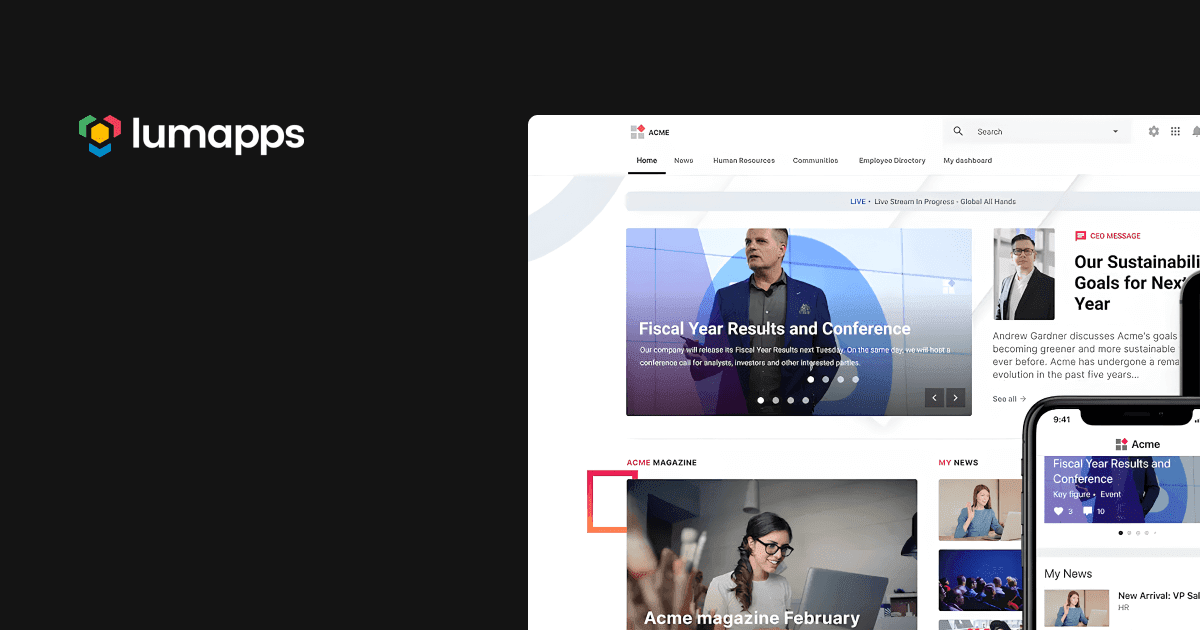
LumApps is an leading employee experience SaaS platform for enterprise organizations that unifies the modern workforce through better communication, engagement, and instant access to information. The platform tailors experiences to unique employee needs, from executives and managers to frontline workers.
LumApps offers a strong Google Workspace integration but may leave non-Google environments wanting more. It excels in communications capabilities and offers extensive customization options. However, it lacks robust support for enablement workflows, large-scale AI-driven personalization, and governance.
LumApps top features and capabilities:
- Google Workspace optimization: The intranet solution recommended for Google Workspace users
- Personalized employee experiences: Content adapts to individual roles, locations, and preferences with advanced customization options
- Vibrant social communities: Interest-based community spaces that encourage interaction, collaboration, and knowledge sharing to strengthen company culture
LumApps ratings and reviews
Gartner: 4.2/5
G2: 4.4/5
“We’ve been absolutely loving LumApps so far as our intranet platform. It has made our workflow so much smoother and the overall look of the platform far exceeds what we used to have. The platform aligns perfectly with our brand and brand guidelines” – verified customer review.
LumApps pricing
Priced per license package with discounted pricing for organizations with 2,000 employees or more. Custom quotes required for specific pricing information.
LumApps pros and cons
Pros:
- Can be customized, down to the CSS, for organizations with specific design requirements
- Deep integrations with Google Workspace ensuring seamless workflow integration and enhanced efficiency
- Modern, intuitive interface accessible across all devices with seamless navigation and personalized user experience
- Accommodates organizational growth with scalability features
Cons:
- Administration features can be confusing and complex compared to other enterprise systems according to customer feedback
- More limited than expected when it comes to employee engagement and personalization features per user reviews
- Limited AI-led personalization and governance capabilities compared to purpose-built EXP platforms
- Potential for additional fees associated with certain features like video services; mixed opinions on pricing for smaller organizations that may struggle to realize value
- Users note platform lacks speed and power compared to consumer social media experiences like Facebook
Who should choose LumApps:
LumApps is ideal for large, Google Workspace-focused organizations needing advanced personalization, multi-language support, and strong content targeting. Ideal for enterprises prioritizing brand customization and robust social community features, but be aware of administrative complexity and less AI automation compared to comprehensive platforms.
6. Workvivo
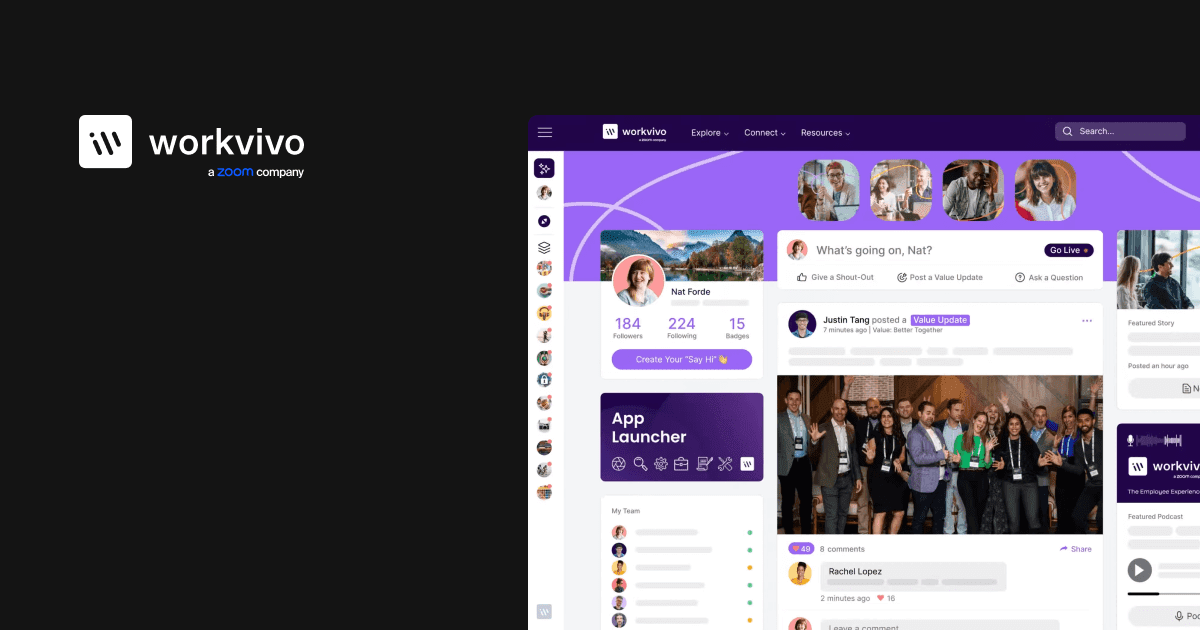
Workvivo by Zoom is an all-in-one employee experience platform that combines internal communication, engagement, recognition, intranet, and measurement capabilities. Designed for the digital-first workplace, the platform centers around a social feed and chat functionality — similar to a social media experience — to engage and emotionally connect people by giving everyone a voice.
Workvivo excels in social engagement and communications features, making it ideal for culture-building. However, enterprises seeking content governance, content lifecycle management, and task management may find significant limitations. Workvivo’s social feed approach can bury critical information in social noise without proper prioritization.
Workvivo top features and capabilities
- Social-first engagement: Feed-based interface similar to social media that helps boost employee engagement and helps teams learn about each other in virtual social settings
- Comprehensive communication tools: Launch podcasts, reach employees instantly with time-critical communications, and organize content into campaigns with engagement monitoring
- Digital workplace hub: Acts as company intranet offering document storage, online knowledge base, employee directory, and customizable permissions for community spaces
- 40+ integrations: Connects with popular business platforms including Zoom, Microsoft 365, Google Workspace, and HR software, plus API access for Enterprise customers
Workvivo reviews and ratings
Gartner: 4.6/5
G2: 4.8/5
“It’s also been a life-saver with internal communications making them fun and engaging and accessible. So far we’ve seen significant improvement in employee engagement in a short period of time” – verified customer review
Workvivo pricing
The Business plan starts at $20,000 per year for companies with 250-2,000 employees. Enterprise plan available for organizations with 2,000+ employees. All pricing by quote only with no free trial available – requires 1:1 demo with sales rep.
Workvivo pros and cons
Pros:
- Excellent platform for building community within workforce and organizing internal communications
- Seamless web and mobile user interface with strong flexibility for matching company structure
- Unique communications features like podcast launching and time-critical communication capabilities not found in similar platforms
Cons:
- Social media-style freedom in posting poses compliance and legal risks requiring strict content moderation workflows
- Search experience relies on highly manual tags and metadata, making content maintenance labor-intensive
- Platform integrations often aren’t deep enough to create seamless work experience, requiring custom development
- Chat, TV, and advanced analytics modules must be purchased as add-ons, increasing total cost
Who should choose Workvivo
Workvivo is ideal for large companies and enterprises (250+ employees) wanting a centralized, social media-style platform to boost employee engagement across multiple offices. Great for organizations needing strong video and Zoom integration, but requires resources for content moderation and manual search management.
7. Staffbase
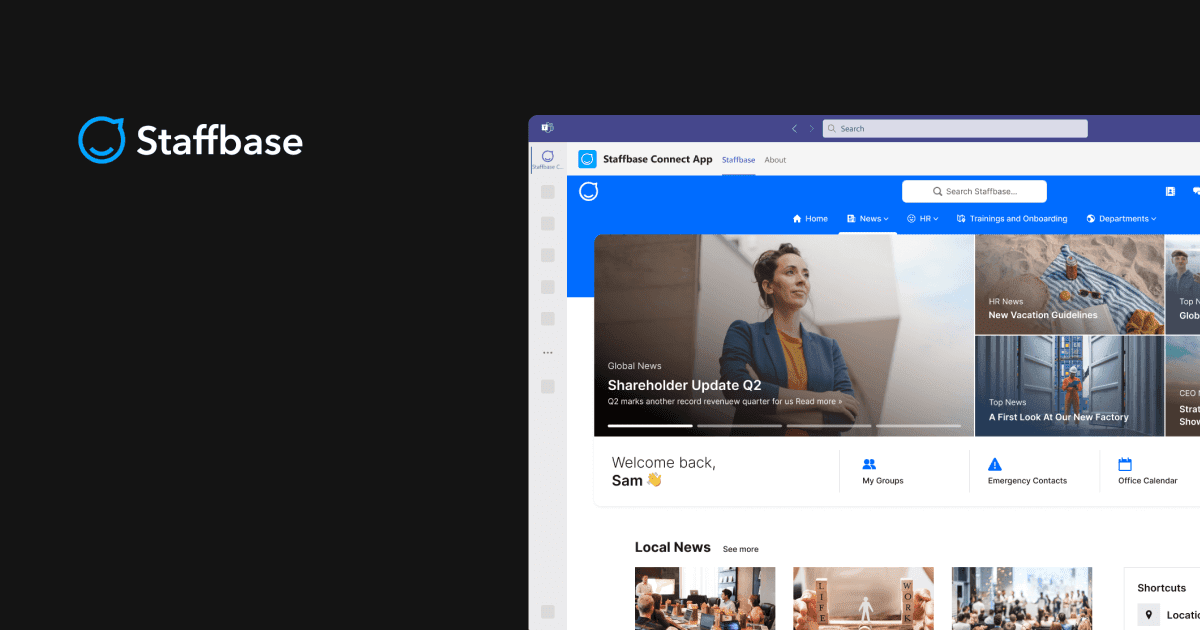
Staffbase is an employee communications platform focusing on multichannel employee experiences with a one-stop tool to monitor and enable strong internal communications. The platform is designed to drive action, engagement, and connection for both desk-based and frontline employees.
Staffbase is designed for internal communications teams and excels at broadcast communications for mobile and frontline workers. However, it’s limited in the collaborative, knowledge, and experience-oriented features found in comprehensive employee experience platforms.
Staffbase top features and capabilities
- Multi-channel communication: Share content through news stories, social posts, landing pages, employee intranet, chat, SMS notifications, and digital signage across all employee touchpoints
- Modular platform approach: Three distinct modules (Employee App, Front Door Intranet, Employee Email) with Starter, Business, and Enterprise tiers for each
- Content planning and collaboration: Editorial calendar, content campaign planning, and collaborative editing tools specifically designed for communication teams
- Advanced analytics and surveys: Track views and interactions on every post and campaign with pulse surveys to measure workforce alignment and engagement
- Microsoft 365 integration: Deep integration with Microsoft Azure, Teams, Viva Connections, SharePoint, and Outlook for unified workflows
Staffbase reviews
Gartner: 4.6/5
G2: 4.6/5
“One of its biggest strengths is its user-friendly interface. Even team members who aren’t very tech-savvy can quickly learn how to use it without much training. The platform’s design is intuitive, making it simple to create and send out emails” – verified G2 review.
Staffbase pricing
Modular pricing across Employee App, Front Door Intranet, and Employee Email with Starter, Business, and Enterprise tiers. All pricing by quote only with annual billing and discounted bundles for multiple modules.
Staffbase pros and cons
Pros:
- Multiple communication channels to reach employees where they are with personalized employee journeys
- Enhanced collaboration tools specifically designed for internal communication teams with actionable analytics
- Strong Microsoft 365 integration enabling seamless workflows within existing employee touchpoints
Cons:
- Suitable only for large companies with 1,000+ employees due to high minimum pricing threshold
- Limited AI-driven personalization features, focusing more on manual customization approaches
- No phone or live chat support — email support only, making complex issue resolution slower
- Lacks critical capabilities for knowledge management and unified employee experience beyond communications
Who should choose Staffbase
Staffbase works for large enterprises (1,000+ employees) with strong communication budgets that need powerful, multi-channel employee communications. Companies heavily invested in Microsoft 365 will benefit from its deep integration, though it functions as a separate platform. However, Staffbase has fewer integrations and less customizability than some competitors, making it less suitable for organizations wanting a fully unified digital workplace or broader employee experience features.
8. Blink
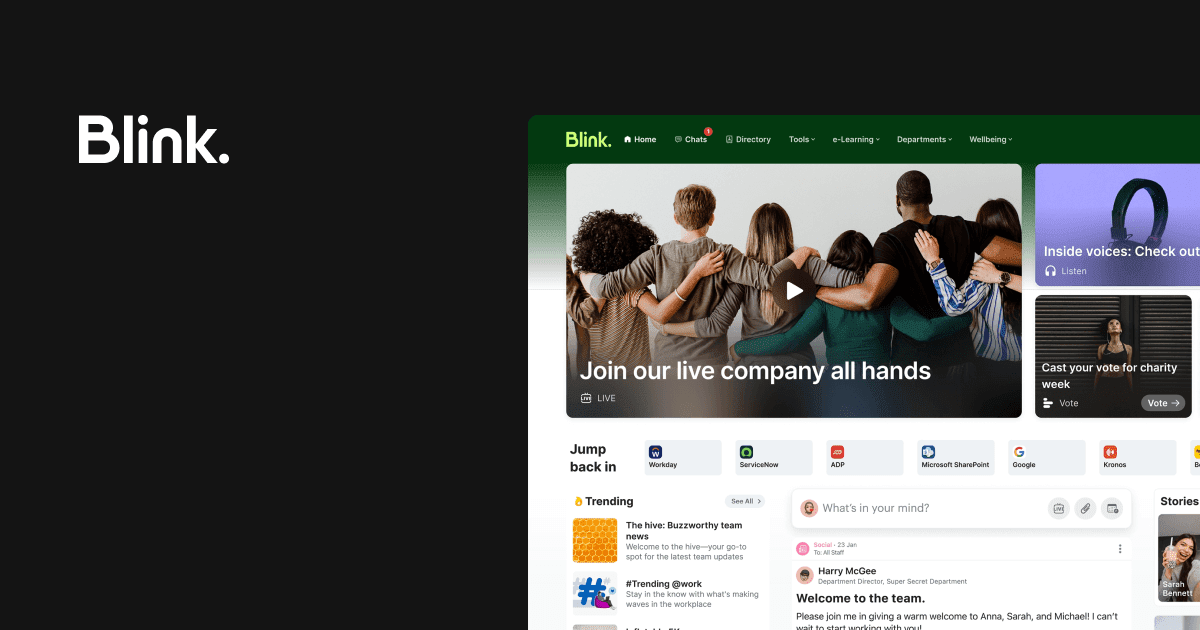
Blink is a mobile-first employee communication platform designed specifically for frontline workers and distributed teams. The platform focuses on providing simple, streamlined communication and engagement solutions with an intuitive interface that’s easy to navigate, even for non-tech-savvy users. It was recently acquired by LumApps in a private equity deal.
Blink is designed for frontline communications in SMBs. Mid-market and enterprises may find limitations in analytics and service enablement. Blink offers limited insights and lacks the scalability for complex organizational needs.
Blink top features and capabilities
- Real-time messaging: Chat functionality for direct communication between team members with both private messaging and public chat channels
- AI-powered assistance: Blink Assist provides AI support for creating and sharing content, plus AI-powered post summarization for news feed updates
- Basic task and shift management: Task assignment and tracking features with shift management capabilities for frontline workers available on mobile
- Employee engagement tools: Digital forms, surveys, recognition (Kudos), employee directory, and emergency notification capabilities
Blink ratings and reviews
Gartner: 4.6/5
G2: 4.6/5
Frontline workers particularly love the mobile-first approach, consistently rating it highly for user experience and accessibility.
Blink pricing
Two pricing options with quotes required: Business plan starting at $4.50/user/month with an annual commitment (includes core features, pulse surveys, 24/7 support) and Enterprise plan (adds API access, full survey capabilities, SharePoint and Box integrations).
Blink pros and cons
Pros:
- User-friendly interface with cost-effective pricing ideal for small to medium businesses
- Strong mobile-first experience loved by frontline and deskless workers
- News Feed is a standout feature with unique post categorization and filtering capabilities
- Offers greater variety of surveys and question types compared to competitors
Cons:
- Doesn’t offer advanced features or customization options needed for large enterprises
- Limited integrations and basic analytics insights compared to competitors
- Very limited tools for employee recognition and no collaboration tools for internal communications teams
- Lacks service enablement capabilities and enterprise-grade features for complex organizational needs
Who should choose Blink
Blink is ideal for small to medium businesses with frontline or deskless teams. If you want an easy, cost-effective mobile platform for simple communication, basic collaboration, and quick updates without the need for advanced features, Blink is a good fit. However, the limited analytics and custom service enablement make Blink less ideal as you scale.
9. Firstup
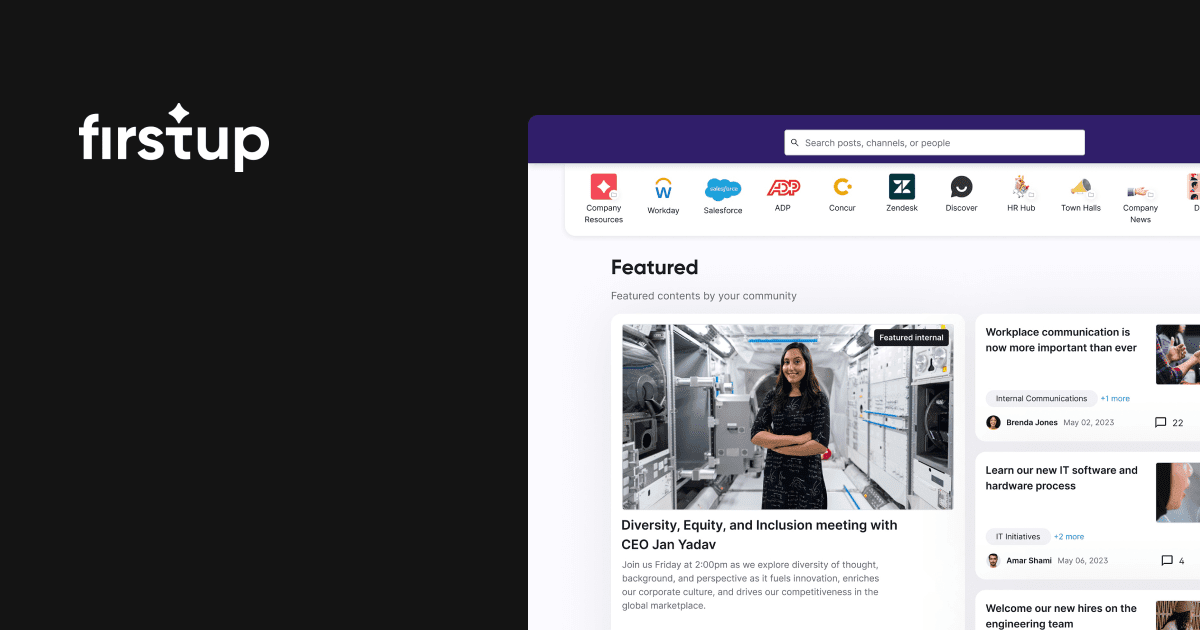
Firstup is an intelligent communication platform for comms, and HR leaders. It boosts employee engagement with personalized campaigns across multiple channels, backed by real-time data. Using advanced AI, Firstup enhances the employee experience at every crucial moment.
Firstup stands out in orchestration and campaign delivery, excelling as a communication engine. It may not serve enterprise needs of organizations focused on employee service and experience, as Firstup’s limited extensibility and integrations prevent seamless workflow unification across enterprise tools.
Firstup top features and capabilities
- AI-powered campaigns: GenAI-powered intelligent campaigns delivery that orchestrates optimal delivery channel and time
- Comprehensive content creation suite: Quick curation of text, images, videos, and multimedia with orchestration dashboard for smart scheduling and campaign optimization
- Omnichannel personalization: Personalized communication campaigns across multiple channels with robust content curation tools and employee interaction features
Firstup ratings and reviews
Gartner: 4.8/5
G2: 4.4/5
“Firstup is really very user-friendly… They also have made some great updates in the last few years that make setting up content and sending it out so much easier” – verified customer review.
Firstup pricing
Priced per user, per month, based on annual commitments with pricing dependent on platform tier and number of licensed users — custom quotes required.
Firstup pros and cons
Pros:
- User-friendly design with intuitive interface that requires minimal training for content creation and campaign management
- Intelligent delivery settings to reach employees when and where they’re most responsive
- Strong analytics focus providing comprehensive view of employee interaction landscape and sentiment analysis
Cons:
- Platform leans more toward communications rather than comprehensive employee experience capabilities
- Many organizations find themselves needing stronger frontline support
- Lacks built-in employee advocacy tools that some comprehensive EXP platforms provide
- Platform primarily targets large enterprises, potentially limiting mid-market applicability
Who should choose Firstup
If you want advanced campaign management, omnichannel personalization, and strong analytics capabilities for engagement measurement and optimization, Firstup delivers powerful communication automation. However, the platform focuses primarily on communications rather than comprehensive employee experience functionality, making it less suitable for organizations seeking unified digital workplace capabilities, task enablement, or deep integration with HR and collaboration systems.
10. Happeo
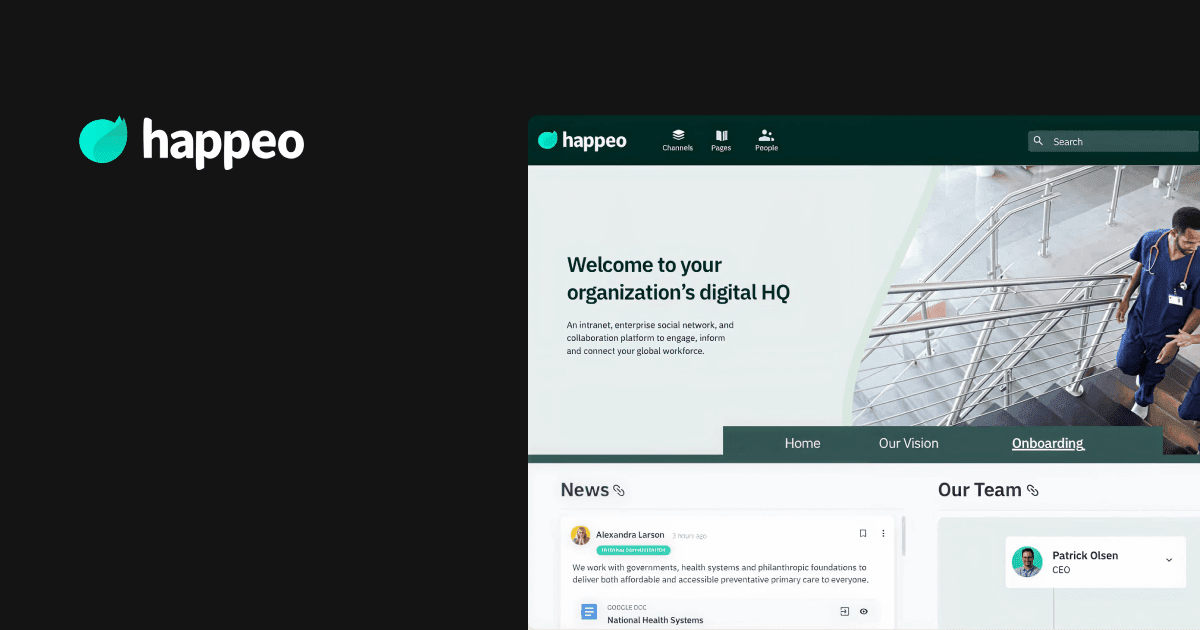
Happeo is a Google Workspace-focused intranet platform that combines internal communication, collaboration, and knowledge management. Built specifically for smaller organizations using Google’s productivity suite, Happeo offers a social intranet experience with AI-powered search capabilities.
Happeo provides deep integration with Gmail, Google Drive, Calendar, and other Google services. However, this strength also highlights a core limitation: Happeo’s tight dependency on Google Workspace makes it less suitable for enterprises operating in more complex, hybrid, or non-Google environments. Unlike comprehensive EXPs that deliver robust capabilities across enterprise environments, Happeo falls short of delivering a true employee experience platform.
Happeo top features and capabilities
- AI-powered knowledge engine: Search capability that extends beyond the intranet to find information across Drive, Slack, and integrated applications, with AI-driven content suggestions
- Social collaboration channels: Interest-based communities and discussion channels with content categorization and engagement features like reactions, comments
- Mobile accessibility: Native iOS and Android apps designed for distributed workforce connectivity with push notifications for important updates
Happeo reviews and ratings
Gartner: 4.5/5
G2: 4.5/5
“Internal communication has improved so much since having Happeo. We are always working on creating new stuff or updating what we have to make our collaborators happy, but we have a login rate of more than 70% each month, so that’s saying something!” – verified customer review on Capterra
Happeo pricing
Custom pricing with three tiers: Starter (under 100 users), Growth and Enterprise (both 75+ users, annual billing only). Offers volume discounts to large organizations.
Happeo pros and cons
Pros:
- Google Workspace integration creates a seamless digital workplace experience for Google-centric organizations
- User-friendly interface with intuitive content creation requiring minimal technical expertise
- Strong search capabilities that extend across Google services and integrated applications
- Social collaboration features encourage employee engagement and knowledge sharing
Cons:
- Limited third-party integrations compared to comprehensive platforms, restricting workflow unification
- Analytics dashboards suffer from time delays, limiting real-time insights for decision-making
- Lacks robust document management capabilities, relying on external Google Drive storage
- Mobile app functionality limitations compared to desktop version, including restricted page editing capabilities
- Customer support responsiveness concerns reported by users
Who should choose Happeo
Happeo is ideal for organizations already embedded in Google Workspace (1,000+ employees) seeking to enhance internal communication and knowledge sharing without major platform changes. If you want a lightweight intranet with strong Google integration, AI-powered search across Google services, and easy content management for non-technical teams, Happeo delivers solid communication capabilities. However, heavy Google Workspace dependency, limited third-party integrations, and missing enterprise features like content governance and structured workflows make Happeo less suitable for organizations operating outside Google ecosystems or needing comprehensive employee experience capabilities beyond basic communications.
Choosing the right employee experience platform
The employee experience platform market is maturing rapidly, offering organizations genuine alternatives to fragmented tool stacks and disconnected workflows. However, not all platforms offer the full range of features that help elevate the employee experience.
Key takeaways from our analysis:
- Start with your workplace challenges, not feature lists: Focus on solving specific problems — whether that’s reaching frontline workers, improving information discovery, or consolidating multiple communication tools
- Know that platform maturity varies dramatically: True employee experience platforms deliver all six core pillars: targeted communications, AI-powered search, team collaboration, recognition, employee services, and actionable analytics
- Your implementation approach determines success: Solutions offering rapid deployment with proven templates typically achieve faster adoption and ROI
- Evaluate the true total cost of ownership: Licensing is just one piece — account for implementation effort, training needs, integration complexity, and ongoing maintenance costs that can quickly add up with less streamlined platforms
- Choose platforms that complement your HR tech stack — The best EX platforms integrate seamlessly rather than creating new silos
Among the platforms evaluated in this guide, one consistently stands out for comprehensive capabilities and strategic vision.
Why Simpplr leads the employee experience platform category
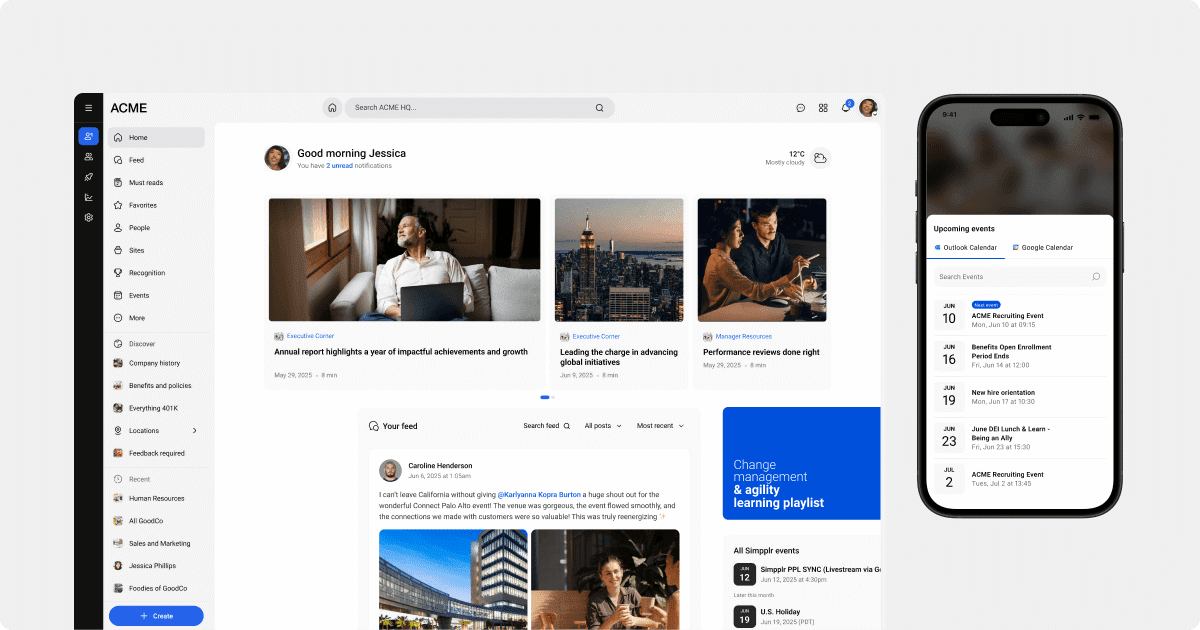
Simpplr delivers the complete employee experience transformation that modern organizations need. Proven by 4.7+ ratings across review platforms and zero implementation failures, Simpplr stands as the clear category leader.
- AI-powered personalization at scale: Simpplr’s AI capabilities automatically maintain information freshness and deliver personalized content experiences This intelligent automation eliminates manual maintenance while ensuring critical updates never get buried in social noise — all while continuously evolving to anticipate future workplace needs.
- Seamless integrations with HR, collaboration, and IT systems: Simpplr’s 200+ pre-built integrations work out-of-the-box with HR systems like Workday, BambooHR, and SuccessFactors — plus communication tools like Slack, Teams, and Google Workspace. No custom development needed. Employees complete tasks, launch workflows, and access services directly within the platform, eliminating app-switching friction across your entire tech stack.
- Comprehensive analytics and actionable insights: Simpplr provides real-time sentiment analysis, engagement tracking, and predictive insights through AI-driven analytics dashboards. Unlike point solutions focused solely on surveys, Simpplr surfaces actionable data across the entire employee experience enabling data-driven decision-making for HR and leadership teams.
- Enterprise-grade scalability and governance: Built for complex organizational structures, Simpplr delivers flexible branding and page layouts with enterprise-grade governance and role-based permissions. The platform scales effortlessly from mid-market to enterprises while maintaining sophisticated content lifecycle management, automated governance policies, and multi-brand support that large enterprises require.
- Rapid deployment with proven ROI: With implementation timelines of 8-16 weeks and volume discounts for organizations with 500+ employees, Simpplr delivers enterprise capabilities at mid-market speed and efficiency. The platform’s low-to-no-code administration reduces dependence on engineering resources, making it easier for HR, IT, and Communications teams to implement changes without technical bottlenecks.
Simpplr focuses on employee productivity and experience, not just administrative convenience. As the employee experience layer on top of your HR tech stack, Simpplr connects communication, culture, and workflows in one unified platform. To truly transform the employee experience, organizations need a strategic partner like Simpplr for lasting success.
Request a demo today and improve employee experience with Simpplr.
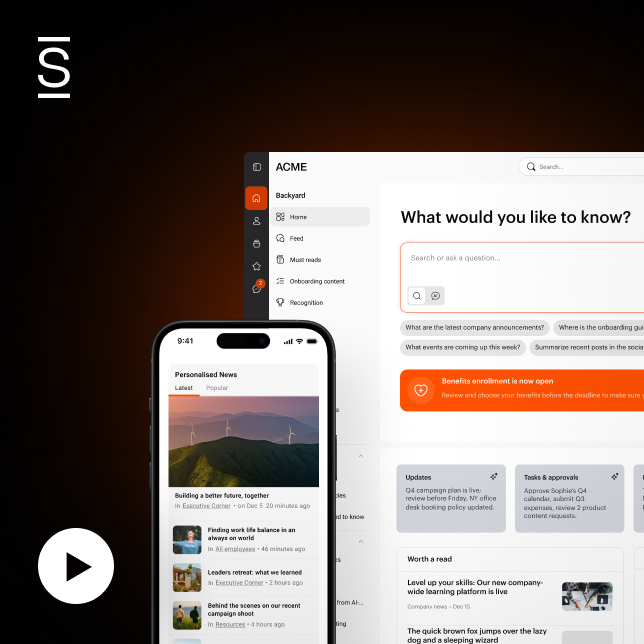
Watch a 5-minute demo
See how the Simpplr employee experience platform connects, engages and empowers your workforce.
- #1 Leader in the Gartner Magic Quadrant™
- 90%+ Employee adoption rate